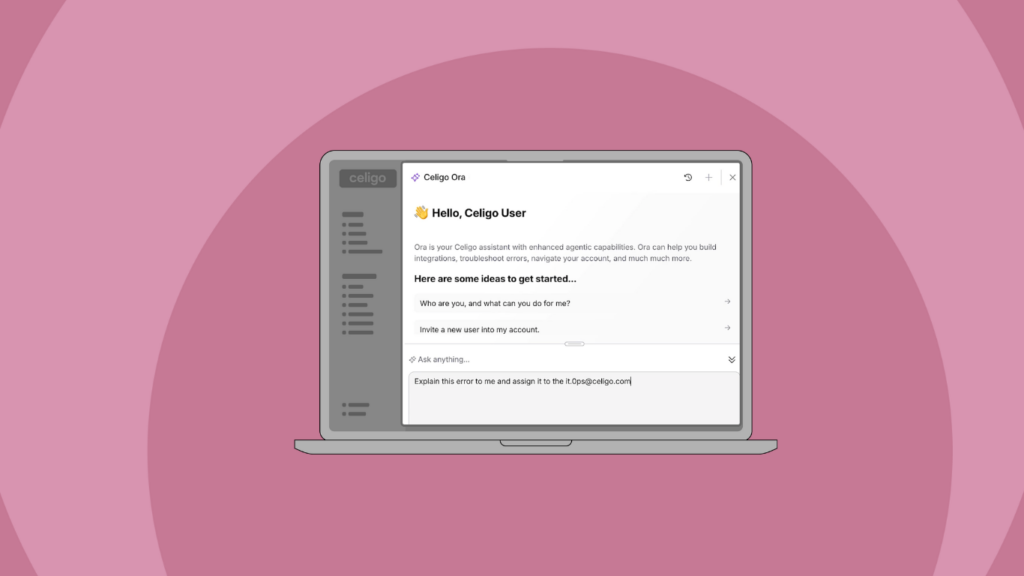
Celigo Ora: A natural language interface to the Celigo platform
 Updated Aug 27, 2026

What is Celigo Ora?
Celigo Ora is a natural language interface to the full Celigo platform. It strengthens AI implementation support by giving teams a governed way to orchestrate automations using natural language, while integration specialists retain full access to the CLI, APIs, and custom scripting for complex technical work.
You can describe what you want to do in plain language, whether that is building a new flow, modifying an existing automation, investigating an error, reviewing account activity, or making a configuration change.
Because Ora operates within your Celigo account, it understands your integrations, flows, connections, and dependencies. It also operates under the same role-based permissions you already have in the UI, with human approval required before any change is applied.
That means you can move from question to action in the same conversation while keeping the governance and control already built into Celigo — the kind of trust, risk, and security management (TRiSM) layer enterprise AI initiatives are increasingly expected to have.
Ora brings the capabilities of the Celigo platform into a natural language experience.
A quick look into Celigo Ora
Build and modify automations through natural language
Start with what you want to accomplish.
You can describe a new automation in plain language and ask Ora to build it. Ora can create flows, configure steps, generate mappings and transformations, and create supporting logic and code.
For example:
“Build a flow that syncs new CRM deals to my ERP as sales orders every 15 minutes.”
You can also use Ora to work with automations you already have.
Ask it to add a step, update a mapping, change a configuration, or modify flow logic as requirements evolve.
Because Ora understands the resources and dependencies in your Celigo account, it can work within the context of what you have already built.
For example:
- “Add a step to this flow that sends a Slack notification when an order exceeds $10,000.”
- “Update this mapping so the customer PO number is included on the sales order.”
This gives you a direct way to move from what you want to accomplish to the configuration required to make it happen.
→ Learn more about what Ora can do
Troubleshoot and resolve through conversation
When an automation needs attention, you can start with the question you actually want answered.
- “Why are records failing in this order flow?”
- “When did this start?”
- “What changed?”
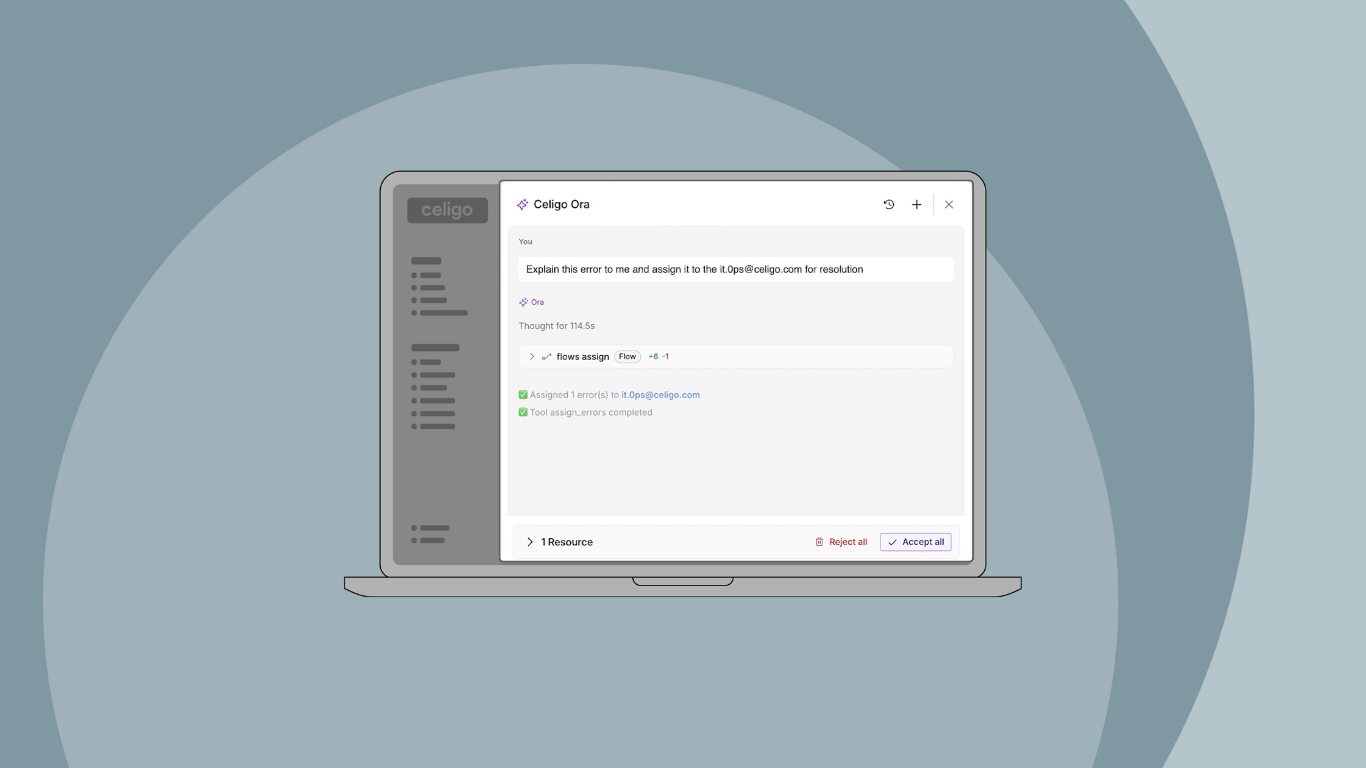
Ora can investigate the relevant errors, execution details, configuration, audit history, application requirements, and dependencies to help identify the root cause.
Instead of stopping at the error returned by an application, Ora can connect that error to the broader context.
For example, an error may appear during an ERP import even though the underlying cause is a data or configuration change somewhere upstream.
You can then keep going in the same conversation:
- “Which records were affected?”
- “Are all of these failures caused by the same issue?”
- “What happened during the last run?”
- “What should I change to fix it?”
Once you understand the issue, you can ask Ora to take the next action (subject to your permissions and approval).
“Retry the failed records.”
The goal is to quickly understand what failed, identify the root cause, determine what was affected, and take the right action to get the automation back on track.
→ Explore practical Ora use cases and prompts
Manage and maintain your Celigo environment
Ora also gives you a natural language way to handle day-to-day work across your Celigo account.
You can ask about resources and dependencies:
- “Which flows use this connection?”
- “What will be affected if I change this resource?”
You can ask Ora to help maintain the environment:
- “Find unused resources in this account.”
- “Show me connections that are no longer being used.”
You can also ask it to make configuration changes, manage data, review account activity, or perform administrative actions.
Instead of first determining where a particular resource or setting lives, you can start by describing what you want to accomplish.
Ora finds the relevant context, prepares the action, and gives you the opportunity to review changes before they are applied.
Monitor and analyze what is happening across your account
Ora can also help you understand what is happening across your automation environment.
You can ask questions such as:
- “Give me an overview of my account. Is there anything I should be paying attention to right now?”
- “Which flows have generated the most errors today?”
- “How is this automation performing?”
- “Show me the areas of my account that need attention.”
Ora brings together relevant information from across Celigo so you can move from visibility to action through the same conversation.
Instead of beginning with a particular dashboard or report, you can begin with the question you need answered.
Take action with your approval
Ora does more than answer questions.
It can navigate, build, analyze, and act across your Celigo account. When an action would make a change, Ora gives you the opportunity to review and approve it before it is applied.
That means you can use the same conversation to move from:
“What is happening?”
to:
“What should I do?”
to:
“Make the change.”
You remain in control of what is applied to your environment.
Expand access while keeping IT in control
Natural language makes Celigo accessible to more people without creating a new path around the controls already in place.
Every action Ora takes runs under the same permissions the user has in the Celigo UI.
If you have access to a resource, Ora can help you work with it. If you do not have access, Ora does not bypass that restriction.
For CIOs and IT leaders, this creates a way to expand automation capacity while maintaining IT-defined controls.
Business and operations teams can build, modify, and troubleshoot the automations they work with through natural language.
Practitioners and developers can use Ora to accelerate the work they already do and spend less time on routine configuration and maintenance.
Security teams maintain the permissions, approvals, and auditability required across the environment.
The interface changes. The governance does not.
A natural language interface to the full Celigo platform
Ora is not limited to generating workflows.
It gives you a natural language interface for working across Celigo, from building and modifying automations to troubleshooting, maintenance, monitoring, analysis, and administrative actions.
You can ask for what you need, work with the context already available in your account, review proposed changes, and take action from the same conversation.
For organizations expanding automation across the business, that means more people can participate in building and maintaining automation while IT retains the visibility and control needed to govern the environment.
Integration insights
Expand your knowledge on all things integration and automation. Discover expert guidance, tips, and best practices with these resources.