
Move business data at scale into your warehouse fast, ready for AI
Then activate it back into the apps that run the business. All on one platform, no hand-built flows to maintain.
Fast to start
Connect a source and your sync runs in minutes.
Resilient by design
Syncs adapt as schemas and apps change, without manual fixes.
Unified platform
Ingestion, integration, APIs, EDI, and AI in one place, nothing separate to maintain.
The data trade-off ends here
Teams choose between speed and control, or between warehouse readiness and activating data back into the apps that act on it. Celigo does both.
Get data into the warehouse fast.
Enterprises manage hundreds of data sources. Every new one adds another custom flow to build, monitor, and maintain. More integrations means more engineering time spent on upkeep, not building.
- Too many flows to build and manage
- Specialized SQL and app knowledge for every source
- Slow time-to-data for the business
Pipelines that need constant attention.
Schema changes break pipelines. Failures go undetected. Problems aren't discovered until business decisions are already affected.
- Sources and schemas change, pipelines break
- Every fix requires manual intervention
- Problems surface in reports, not alerts
Governance and activation are siloed.
Policy, lineage, and access live in separate tools from ingestion. Data reaches the warehouse but rarely makes it back to the apps where teams act on it.
- Fragmented tooling and oversight
- Multiple vendors, multiple silos
- No single view of how data moves across the business
From data ingestion to data activation: A buyer's guide. Download now ↓
Your business runs on data that needs to be trusted, current, and ready to act on
Celigo syncs data from SaaS apps, databases, ERPs, and file connectors into your warehouse or lake, keeps it current as source systems change, and activates it back where decisions get made.
One sync to replace multiple flows
Set up a single sync that maps your data automatically and stays current as source systems change. No SQL, no hand-built flows, and support for 600+ sources.
- Cut maintenance tied to brittle, flow-by-flow designs
- Give business teams faster access to trusted data
Your pipeline adapts when source systems change.
When fields or tables change at the source, your sync detects it and keeps the data flowing. Set it once and it stays current without manual intervention or break-fix cycles.
- Adapt to upstream schema and application changes
- Reduce manual fixes and operational fire drills
- Improve reliability for production data movement
Built as one platform, not assembled through acquisitions.
Most tools stop at the warehouse. Celigo moves data in, keeps it current, and activates it back into the apps where your teams act on it. Ingestion, reverse ETL, governance, and automation were built together from the start, not acquired and integrated after the fact.
- Move from warehouse-ready data to business action
- Activate data back into downstream applications
- Govern ingestion, APIs, automation, and AI in one place
What teams do with their data once it's flowing
From finance to forecasting to AI, Data Ingestion gets the right operational data into the warehouse and keeps it current.

Finance & FP&A
Sync GL, AP/AR, and transactions from your ERP and finance apps into the warehouse for live dashboards and a faster close.

Customer 360 & LTV
Bring transactions, support history, and relationships from across your CRM, ERP, and support apps into one view of every customer.

Pipeline & Forecasting
Feed opportunities, accounts, and activity from your sales and marketing apps into forecast models and audit-ready reports.

AI-Ready Data
Keep account scoring, churn prediction, and FP&A copilots fed with complete, current operational data, no manual exports.
WEBINAR
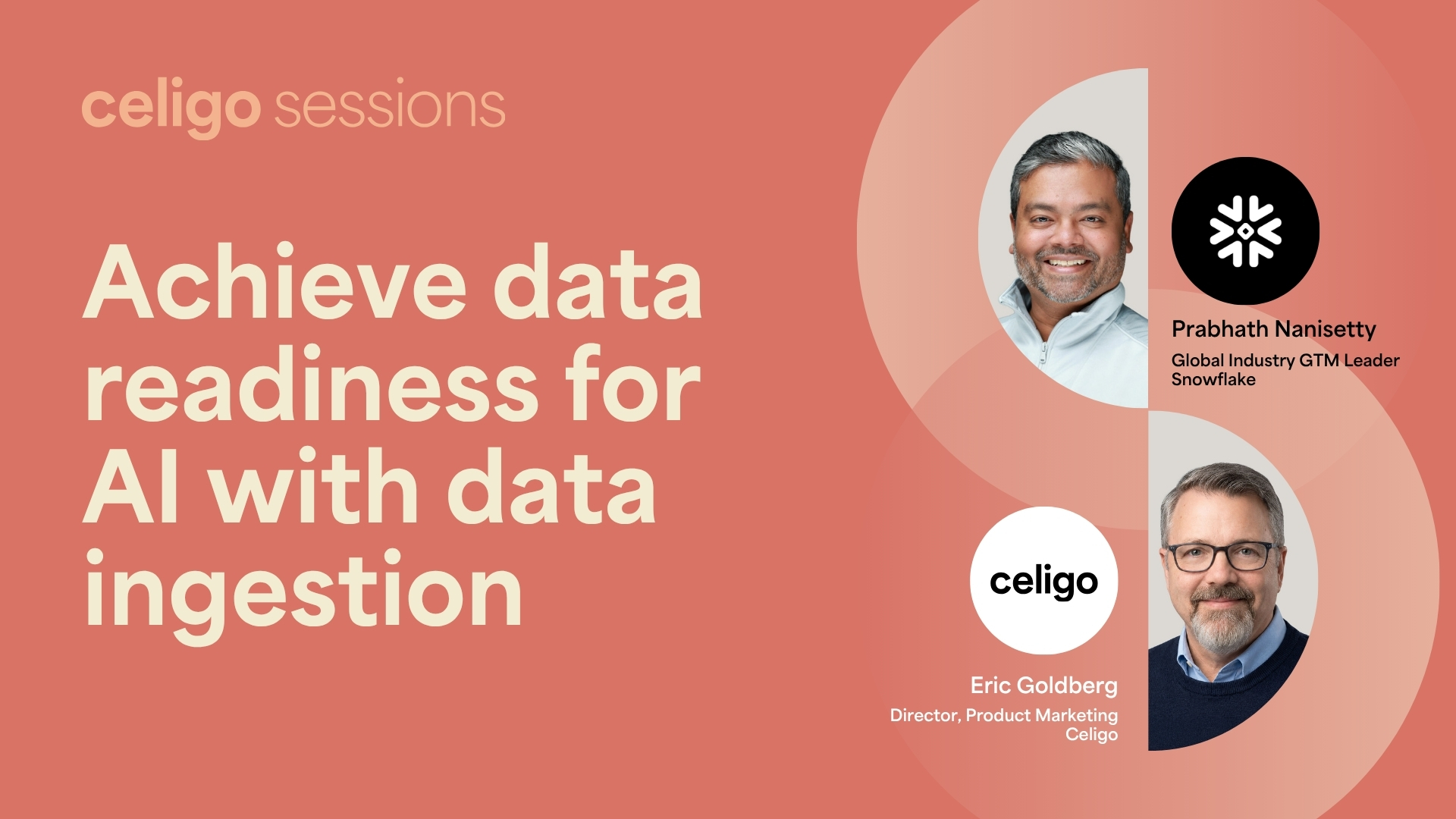
Achieve data readiness for AI with data ingestion
See how Celigo moves data from ingestion to activation – and what that looks like in practice with Snowflake.
Frequently asked questions
From ingestion to activation, on one platform.
Celigo Data Ingestion helps you move data in fast, keep it current as the business changes, and activate it back across the apps that run your operations.
Get a demo