Celigo August 2026 Release
 Updated Aug 18, 2026

August brings native file storage, enterprise-grade MCP governance, Google BigQuery support for Celigo Sync, and a set of updates that give builders more control over schemas, mappings, APIs, and Salesforce flows.
Here’s what shipped.
AI automation
Enterprise MCP: End-user access, roles, and IdP provisioning
Celigo supports enterprise-grade access governance for MCP servers, replacing one-by-one, server-by-server access management with a model built for scale.
- End users and groups – End users are a new lightweight user type for MCP consumers who don’t need a full integrator.io account. Organize them into groups and map groups to MCP servers with specific tools enabled, instead of configuring access per user, per server.
- Capability sets – Bundle related tool and API access into reusable units. Define a capability set once and apply it across servers and groups without repeating configuration.
- SSO by email domain and JIT provisioning – End-user authentication routes to your organization’s SSO provider via email domain and provisions accounts on first login automatically. No manual account creation required.
- IdP group sync – Group membership is read from OIDC claims on each login and mapped to access automatically, keeping end-user access in sync with your identity provider.
- Multi-IdP support keeps end-user authentication separate from your account SSO, so none of this touches how your builders sign in.
AI agent chat: Conversational support for agents
AI Agent Builder now has one unified Chat panel for building and testing agents, replacing the separate Chat and Preview panels.
- Send a message and watch tool calls fire with live status right in the conversation, with failures surfaced immediately and in context.
- A “Thinking…” indicator and reasoning summary show what the agent is doing while it’s doing it.
- Debug Mode opens the full trace behind any tool, prompt, or resource call.
- Test with a file, an image, or structured JSON, and get real output back — not just text.
- Conversations save per agent and pick back up right where they left off.
MCP server request log: User and access token visibility
Admins managing MCP servers can now trace every tool call back to a specific person and their credentials. Two new columns appear in the request log: User and Access Token.
- OAuth connections show the authenticated end user once MCP servers are migrated to the end-user model; until then, they show the workspace user.
- Personal access tokens show the workspace user the token belongs to, plus the token’s ID.
- API tokens show the account owner, plus the token’s ID.
Deleted users and tokens are still shown clearly, and existing log entries continue to display correctly.
This is especially useful if you’re operating MCP servers for multiple workspace users or end users and need per-user auditing, consumption tracking, or SOC 2 compliance evidence.
Connectivity
Celigo Storage
Celigo Storage gives you a platform-managed place to store, organize, and browse files directly inside integrator.io; no external SFTP servers, S3 buckets, or third-party file services required.
Create folders at any depth, upload and manage files, and reference stored content directly from integration workflows and AI agents. Role-based access control is enforced, and root-level folder creation and management requires the Admin role.
Celigo Storage is also usable directly inside flows, APIs, and tools as a built-in file provider via the Celigo APIs connector. File-based export, import, and per-record lookup steps are available, alongside record-based admin operations including list, delete, create folder, move, and rename.
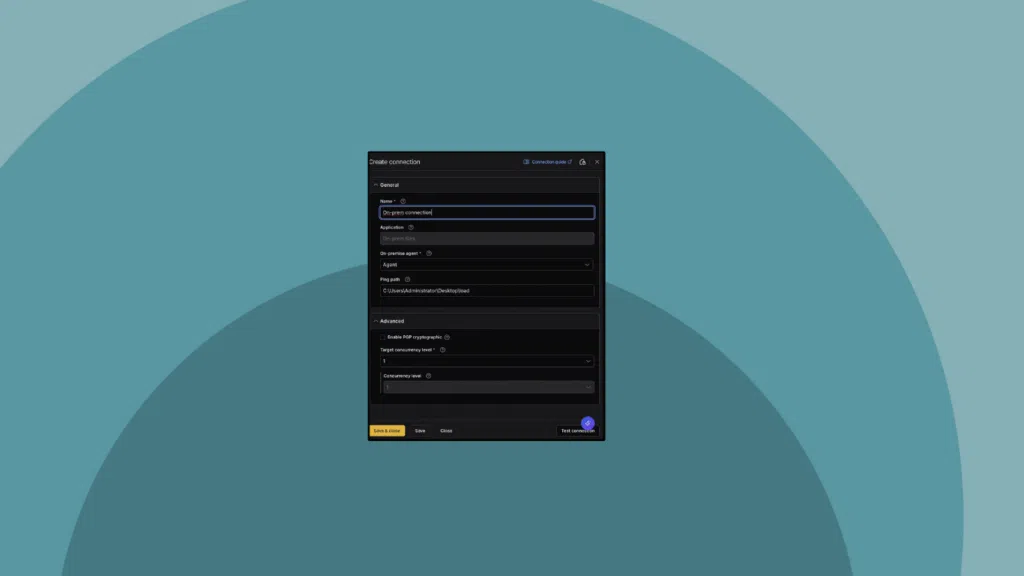
Celigo APIs connections can be scoped to specific integrations, so builders without account-wide admin access can use Celigo Storage in their flows. Admins can also restrict a custom-scoped connection to specific folder paths, limiting read and write access to only the folders a connection needs.
→ See how Celigo Storage works
Connectivity updates
Google Cloud Storage connector — native file transfer and admin operations, with service account or OAuth authentication and PGP encryption.
IAM role authentication for Amazon Redshift – Redshift connections can now use a cross-account AWS IAM role with temporary, auto-rotated credentials instead of a long-lived database username and password. Reuse the same AWS IAM iClient already set up for S3.
→ Learn more
IAM role authentication for AWS HTTP connectors – AWS Service (Generic), AWS Textract, and AWS Bedrock connections now support the same IAM role-based authentication as Redshift and S3, with temporary, auto-rotating credentials.
Execution logs for the Salesforce connector — Salesforce flows now generate per-record execution logs in production across three levels (Basic, Detailed, Debug)—logging endpoints, status codes, methods, and direct record URIs for imports (SOAP/REST/Composite REST), exports, and lookups (REST), with Detailed/Debug levels adding full payloads and headers.
Platform
Lookup cache access via Handlebars
You can now read Lookup cache values in Handlebars expressions across AFE-enabled dynamic fields using the Lookup cache alias, eliminating the need to duplicate lookup logic outside of mappings.
Advanced schema validation in the UI
Define regex, numeric range, length, array-size, and allowed-value validations directly in the schema editor’s Manual mode — no more hand-editing JSON for anything beyond basic checks. Switching to Manual mode now warns you before dropping any unsupported settings.
A more flexible dateAdd handlebars helper
The dateAdd handlebars helper now accepts an optional interval unit (milliseconds, seconds, minutes, hours, days, weeks, months, or years), so you can add or subtract time using readable units instead of converting to milliseconds; templates that omit the unit continue to work unchanged.
Data ingestion
Google BigQuery destination
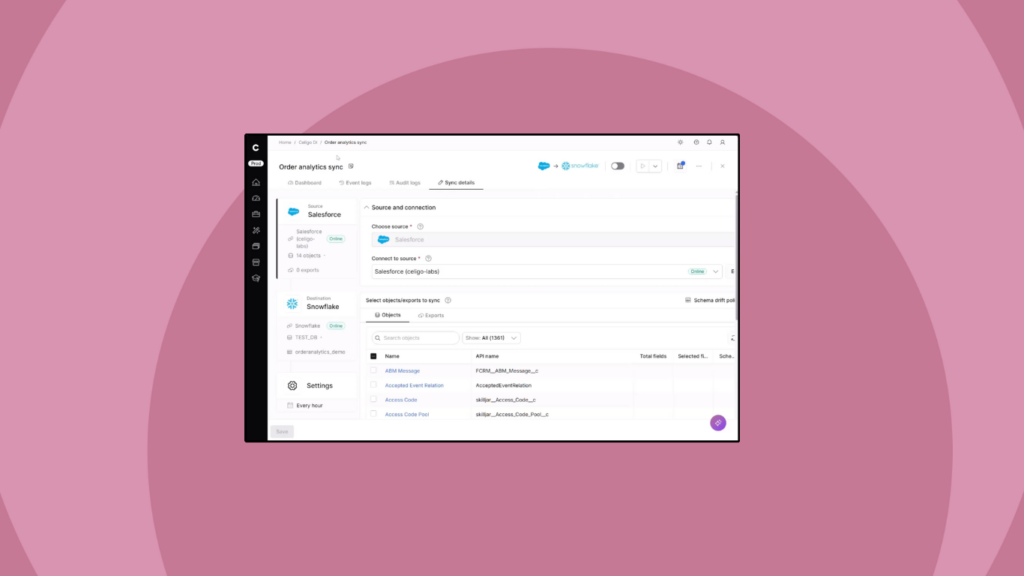
Google BigQuery is now a supported destination in Celigo Sync. Ingest data from 600+ sources into BigQuery with automated schema management, historical backfills, and incremental syncs handled automatically.
Celigo headless
Celigo is now listed in the Claude and Cursor marketplaces!
OAuth sign-in for the Celigo Platform MCP server
Connecting an AI assistant to Celigo no longer starts with generating and pasting an API token — it’s a browser sign-in, using your existing Celigo email, SSO, and MFA.
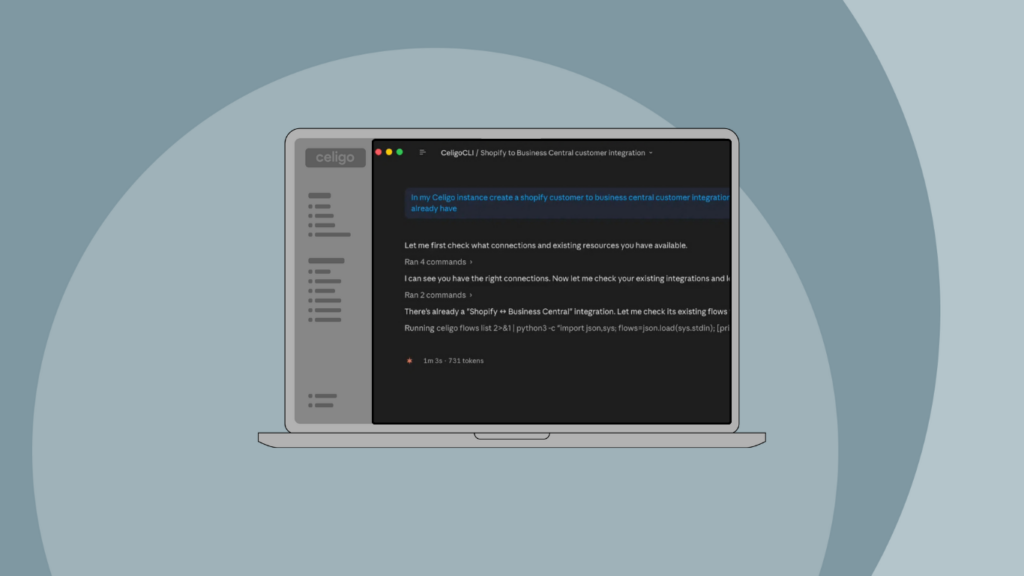
- Sign in the same way from the Celigo CLI via celigo signin.
- Stay signed in automatically — built on OAuth 2.1, with unused connections revoked on their own.
- API tokens and Personal Access Tokens still work unchanged for scripts, CI/CD, and other automation.
→ Build, manage, and version integrations from the terminal
Credential-free PATCH for connection settings
Connection concurrency, target concurrency, and rate-limit auto-recovery settings can now be updated through the integrator.io API without re-supplying credentials — tune throughput from the API, CLI, or an MCP server. Throttle down during a target system’s peak window, scale up for a bulk load, or toggle auto-recovery, all without storing credentials just to change a setting.
B2B Manager for EDI
A unified EDI trading partner connector
Protocol, region, and business model are now configurable within a single adaptive trading partner connector, instead of choosing between near-identical protocol- and region-specific variants. Only compatible options are shown based on the trading partner and business model you select.
API management
API pagination
APIs built in API Builder can now return paginated responses. When a result set exceeds the configured page size, the response includes a pagination object with has_more and a celigo_next_cursor for retrieving subsequent pages. Supported when the first lookup in the API uses an HTTP, NetSuite, or Salesforce adapter.
API execution logs with trace view
API Builder now includes end-to-end execution logs with a step-level trace view covering request and response steps, lookups, imports, mappings, transformations, and branching in a single view. Five logging levels (No Logging, Basic, Standard, Detailed, and Debug) let you dial up the details when you need it.
Integration apps and templates
Shopify payout sync to NetSuite deposits
Shopify Payments payouts and their underlying transactions now sync to NetSuite as bank deposits with more complete coverage and more control over how each transaction type is recorded.
The payout flow has been migrated from REST to GraphQL, bringing support for Shop Cash, Shop Pay Installments, and Shopify Collective orders alongside existing sales, refunds, fees, and adjustments. A new configurable mapping table lets you route each transaction type, including chargebacks, to the correct GL account in NetSuite, replacing the previous fixed mapping.
NetSuite SuiteApp migration for Shopify, Amazon, Salesforce, and Magento 2
Integration Apps for Shopify–NetSuite, Amazon–NetSuite, Salesforce–NetSuite, and Magento 2–NetSuite now install via the integrator.io SuiteApp from the NetSuite SuiteApp Marketplace, replacing the integrator.io SuiteBundle.
Existing Bundle installs continue to work. Existing customers are encouraged to install the SuiteApp to enable automated configuration updates going forward. New installations use the SuiteApp by default.
Integration Marketplace
New connectors available:
- Check out the new HTTP connectors available in the Integration Marketplace.
- The EDI trading partners article provides an alphabetical listing of trading partners, search functionality, and filters.
Integration insights
Expand your knowledge on all things integration and automation. Discover expert guidance, tips, and best practices with these resources.