What’s actually blocking AI agent adoption? We asked 100+ teams.
 Updated Sep 23, 2026

Over the summer, the Celigo team ran a series of Agent Bootcamps for our customers and partners. These were live group workshops plus 1:1 office hours, aimed at getting real agents live inside each company’s own operations. More than 100 builders went through these workshops, spanning finance, support, IT, and commerce operations. Participants ranged from those that had never touched AI to ones already running sophisticated automation.
The pattern that emerged wasn’t about skill or ambition. Almost everyone left with a plan. Far fewer left with something running. Nearly every team ran into the same three roadblocks, in the same order.
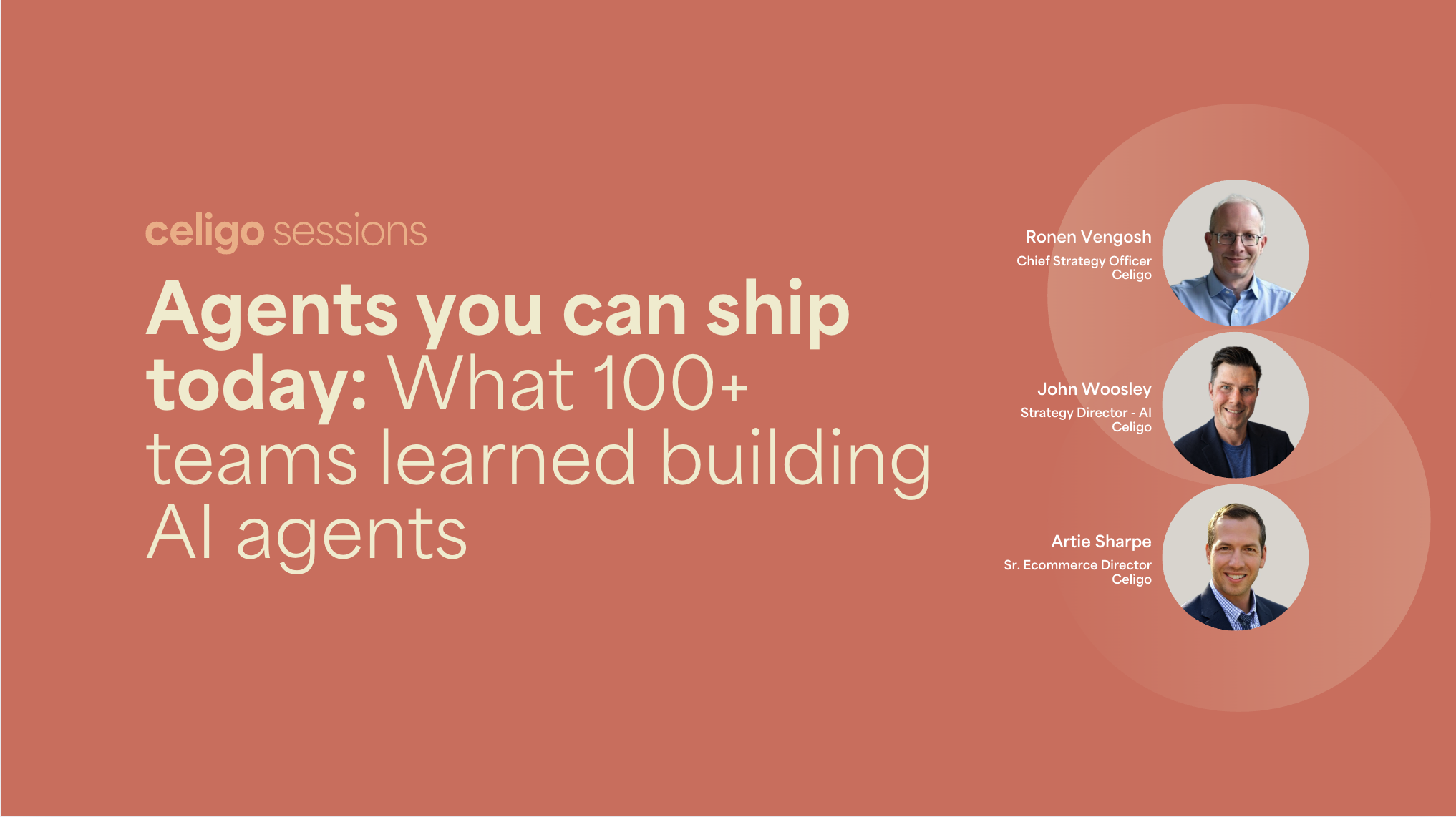
I recently sat down with my colleagues Ronen Vengosh (Chief Strategy Officer) and Artie Sharpe (Senior Ecommerce Director) for a webinar on exactly this — AI you can ship today: what 100+ teams learned building AI agents — and we put the question directly to our audience, a mix of IT and operations leaders actively trying to build agents of their own. Their answers lined up almost exactly with what the bootcamps found:
What’s your biggest blocker when it comes to building AI agents?
| Blocker | Share of respondents |
|---|---|
| Unclear governance model | 33% |
| Not sure what to build next | 27% |
| Systems not connected | 22% |
| Other | 15% |
None of the top answers were “the technology doesn’t work yet.” They were about who’s accountable, what to build first, and whether the systems involved can even talk to each other. Here’s what’s actually behind each of those numbers, and how we worked through the same three problems in our own operations before ever building a template for anyone else.
The #1 blocker: An unclear governance model (33%)
The bootcamp transcripts are full of a version of the same sentence. One builder in healthcare tech put it plainly:
“I’m trying to get my IT to approve us creating that. Is there any risk to creating it that you know of?”
We hit the same wall internally. We couldn’t just let everyone do whatever they wanted in Claude and ChatGPT, connecting their own systems and making changes to enterprise data with no one accountable for it. Many organizations we work with don’t have a governance model yet: employees often don’t know who to ask about AI. So you end up with people going straight into ChatGPT to get work done, an executive mandate to “use AI,” and IT caught in between the two.
The fix wasn’t a company-wide AI policy debated for months. It was a framework of five questions, answered once, at the platform level, that every new agent inherits automatically instead of triggering a fresh review:
- Data access: What data and applications does this agent get exposed to, from a single source of truth.
- Allowed actions: What is AI allowed to do, and who’s responsible for it. This is also, in my experience, the one IT pushes back on hardest — in our greatest dreams, AI can do everything for you, and that’s also IT’s worst nightmare.
- Data handling: How context moves through the system, with guardrails, rather than going straight from a text box into a model with nothing in between.
- Ownership and control: A single, explicit, version-controlled owner accountable for what the agent does. We call this “human in the lead,” not just human in the loop.
- Audit and oversight: A full log of what the agent did and why, so performance can be reviewed and improved over time instead of disappearing into an unreviewable token count.
Answer those five once at the platform level, and because you’re running your AI on a single orchestration layer, you don’t have to re-ask these questions every time you spin up a new agent.
The other governance mistake teams make is treating autonomy as all-or-nothing. Our approach is to have agents earn autonomy over time, starting with something that observes and recommends, with a human in the lead, and expanding what it’s allowed to do as trust and data quality improve. An agent that only ever reports back just moves the bottleneck upstream, from doing the task to reading reports about the task. The goal is a system with real audit and oversight, so expanding what an agent can do isn’t a leap of faith.
The #2 blocker: Not sure what to build next (27%)
More than a quarter of teams said the real holdup wasn’t approval or infrastructure; it was not knowing where to start, or what to build after the first win. One builder in healthcare tech described exactly this:
“There were a number of use cases, and we could select one and play around with it. We’re just focused on Coupa right now, but once we’re done with that we’d love to dig into the other ones.”
My own framework for this comes out of my background in supply chain optimization, not AI. On a manufacturing floor, you optimize by mapping how material moves from machine to machine and finding the handoffs and bottlenecks. The same thinking applies to picking your next agent:
- Map the flow: Every step, handoff, and queue. Not the org chart version.
- Find the breaks: Pileups, dropped handoffs, single-person dependencies.
- Classify the work: Automate it, hand it to an agent, or keep a human on it.
- Start with obvious wins: High volume, low variance, fast to build and fast to prove.
- Layer agents on top of automation: Once the deterministic pieces are in place, add an agent to decide when and how something should happen.
There’s also an organizational pattern worth borrowing: AI adoption tends to run bottom-up, not top-down. Traditional IT procures software and pushes it down; the best AI use cases instead surface from whoever’s already using it to do their own job better, then get promoted so the rest of the team benefits. Artie described exactly this during our conversation — using AI daily for morning briefs, competitive research, and reports long before any of it became a formal team-wide workflow.
We map that promotion path across four stages:
- Stage 1: Personal agent: one person, their own data.
- Stage 2: Role or domain agent: a pattern a whole team reuses.
- Stage 3: Enterprise workflow: tied to systems of record, with a process owner and IT involved.
- Stage 4: Governing layer: audited by security, IT, and an AI council.
Prebuilt templates skip the first two stages entirely. As Artie put it, “the templates and all of this work drops me at stage three on day one.” Instead of starting from a blank page, a template starts already governed, already connected, and tied to systems of record.
The #3 blocker: Systems that aren’t connected (24%)
Just under a quarter of teams pointed to disconnected systems. One builder in commerce described it directly:
“I do have the documentation, but the documentation expects you to have all those various systems in place like Salesforce and Zendesk. We have HubSpot, we have Intercom. We may not be married to all those different tools that were mentioned in the use case.”
What we used to call data strategy is now AI strategy. An agent is only as good as the systems and data it can actually reach. If it can’t reach them, or the data behind them is messy, it doesn’t fail loudly: it guesses. Point an agent at a mismatch between, say, ERP and CRM fields it doesn’t understand, and it will invent a connection rather than tell you it doesn’t know one. The model itself matters less than people assume; what matters more is how clean, structured information actually reaches it.
This is also why the platform underneath the model matters more than people expect. Every time you connect a new system directly to a tool like ChatGPT or Claude — through its own MCP server, one at a time — you’re paying for and maintaining that connection separately, and none of those connections know about each other. An agent built against NetSuite alone can’t see what’s happening in Shopify, or the retail storefront, unless the underlying data is already unified. Our own AR collections agent, built on top of systems we’d already connected, cut days sales outstanding (DSO) by 5 days, a direct result of working against clean, connected data rather than reasoning around gaps in it.
The webinar’s live demo showed what this looks like in practice: a customer service MCP “role kit” that lets a support rep ask Claude a question: “I didn’t get a shipping confirmation, should I be worried?” And the rep gets back a verdict, the evidence, and a drafted reply, reconciled automatically across NetSuite and Shopify. The rep never touches either system directly. The connectivity work happened once, upstream, so every conversation afterward just works.
The blockers aren’t separate; they’re layers
Put together, the poll results describe a sequence, not three unrelated problems: connect the systems an agent needs to act on, govern what it’s allowed to do and who’s accountable, then build the specific use case worth automating. Skip a layer and the next one doesn’t hold. A well-scoped use case still fails if the agent can’t reach clean data, and clean, connected data still stalls at the first “can IT actually approve this” conversation.
We didn’t skip any of them either. Today Celigo runs 35+ agents live across 8 functions internally: AR reminders in finance, lookalike-prospect scoring in sales (which sourced $160K of pipeline in a single quarter), mail-room scan digests in operations, and support-ticket triage, among others. Different teams, same pattern underneath: systems already connected, one governance model already answered, and an agent doing the judgment step that used to be done by hand.
Where to go from here
If your team is stuck on any of these three, the full session walks through all of it in more depth, including a live demo of installing and running a template end-to-end. Three templates came up specifically in our conversation:
- Product Launch Readiness: Checks listings, pricing, images, and inventory ahead of a launch date and flags what’s incomplete before the product goes live with the wrong price or no stock confirmed.
- Product Decay Detection: Compares each SKU against its own history (not a category average) to catch a slowly dying product in days instead of a month, with the likely cause whether it’s pricing, listing, or supply already diagnosed.
- Error Summary Agent: Walks every integration in your account and posts one grouped summary of errors to Slack, instead of requiring someone to check each one individually.
All three, and more than 60 others, are available now in the Celigo integrator.io marketplace.
If you’re already a Celigo customer: Log in to integrator.io, open the template library, and ask Celigo Ora to help you find and install one.
If you’re not yet a customer: Start a free trial, and the templates are included.
Want a 1:1 working session to install your first agentic template? Schedule time and a Celigo team member can walk through it with you.