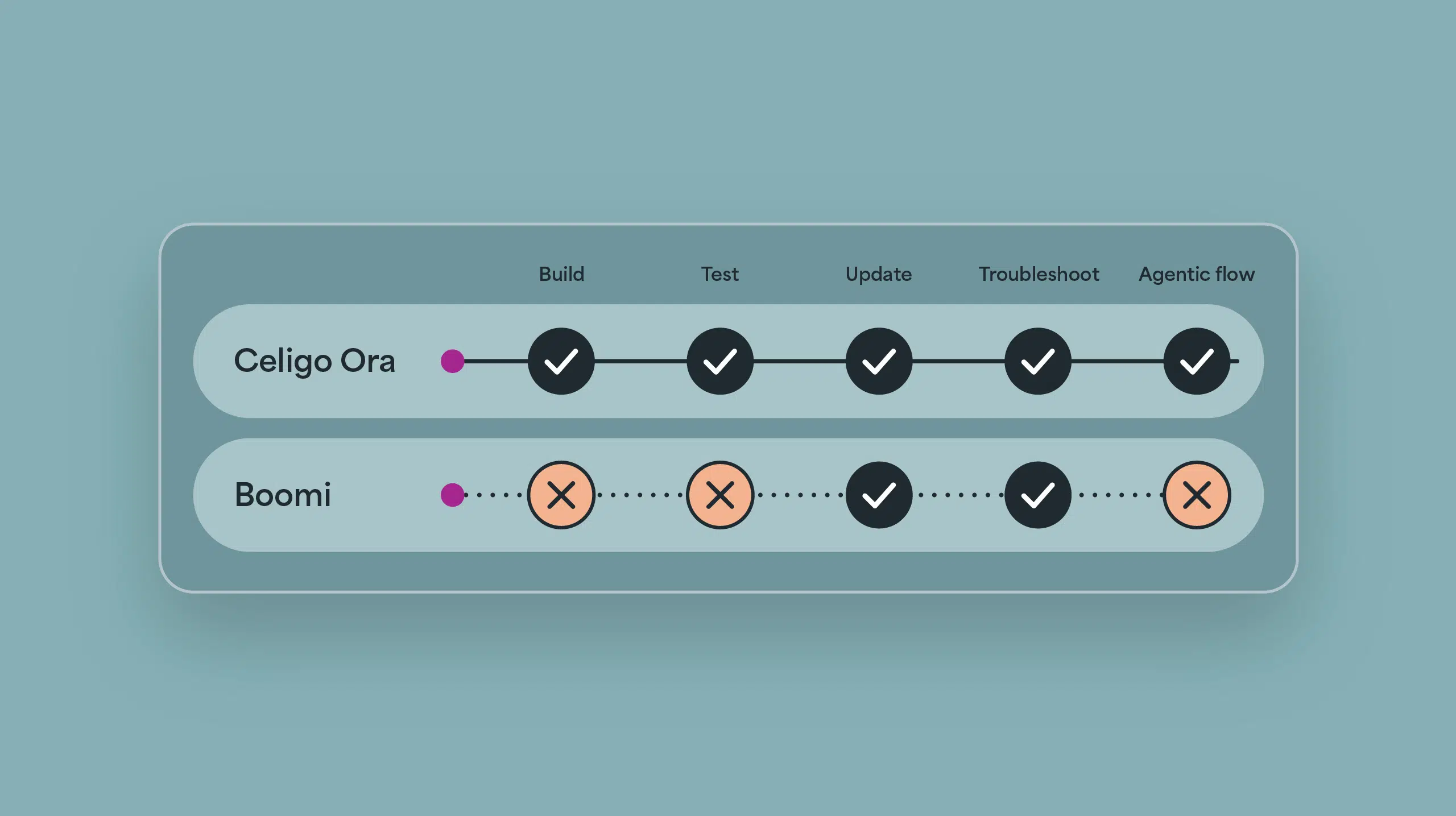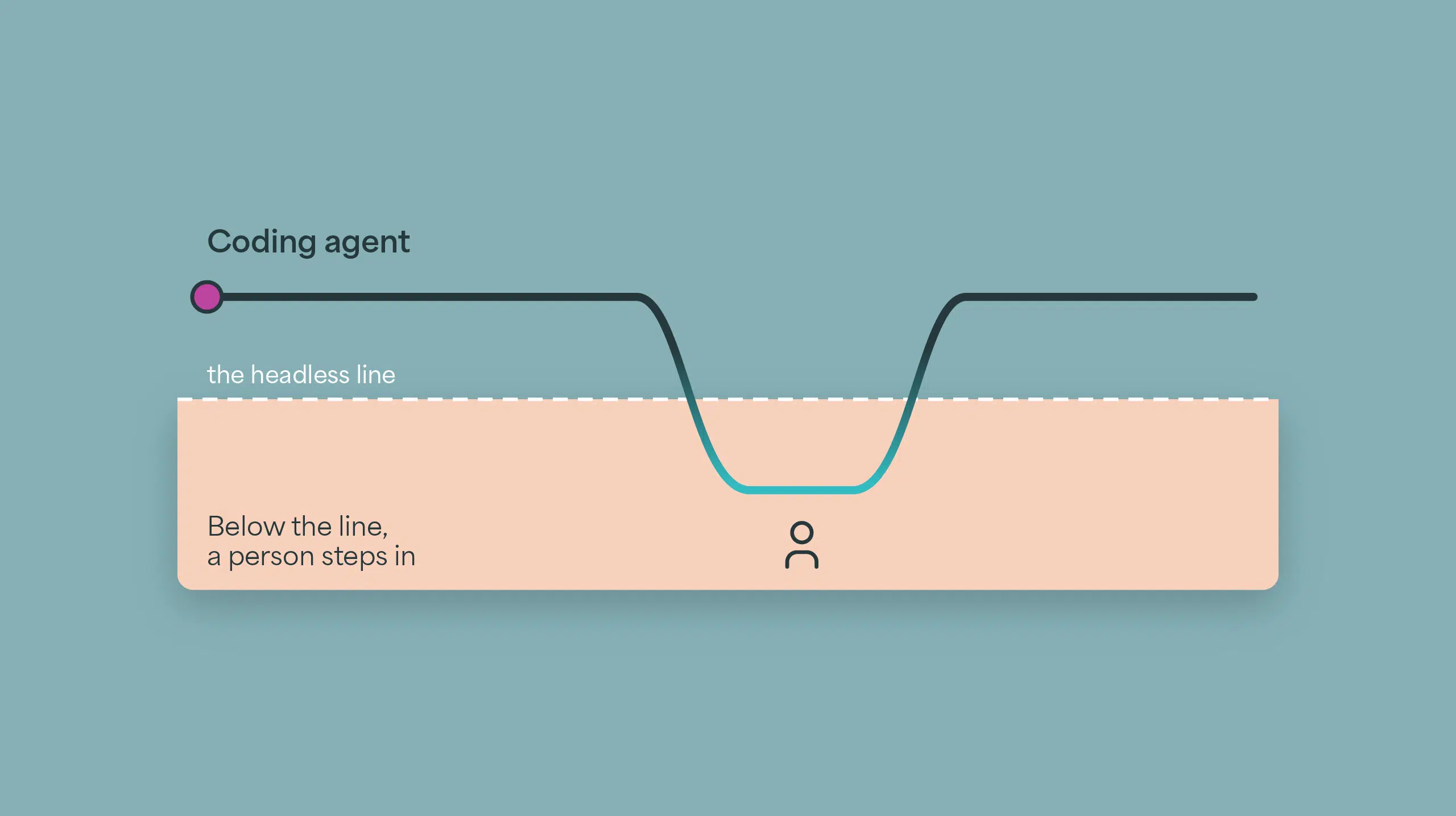
Every integration has two jobs. We built AI agents for the second one.


The short version
Most Shopify and NetSuite order sync errors aren’t caused by a broken connection. They come from order data NetSuite wasn’t set up to accept: an item that doesn’t exist in NetSuite yet, a customer that can’t be matched, a location or payment method nobody mapped, a discount or tax total that doesn’t line up. We’ve added AI agents to Celigo’s Shopify, Amazon and Cash Application Manager Integration Apps that investigate problems like these, explain what they find and point your team to the next step.
Every integration has two jobs
I run a product management team at Celigo, which includes our prebuilt Integration Apps. I spend much of my time listening to the teams running these flows every day. While getting an integration live can take time and have complexities, the real challenge lies in the ongoing upkeep and maintenance when things change. Celigo’s managed Integration Apps do much of the heavy lifting to simplify this, but evolving business use cases and unexpected data changes constantly introduce new complexities.
The first job is moving data: orders from Shopify, settlements and inventory from Amazon, payments from the bank, all into NetSuite. The second is making sure what moved is right, and figuring out what happened when it isn’t.
Our industry, Celigo included, has put most of its effort into the first job. The second has mostly stayed with people: a NetSuite admin clearing an error queue before the warehouse opens, an ecommerce manager trying to work out why yesterday’s orders don’t match Shopify, an AR specialist matching a bank file against an inbox. It’s rarely in anyone’s job description and there’s no line for it in the budget. It gets heavier as volume grows, and it’s at its worst during peak season and month-end close, when nobody has time for it.
I’ll spend my first two hours of the day just looking at error logs and trying to chase that back and trying to make those changes to the transactions.
– COO at a leading apparel retailer
So when a customer tells me an integration is “hard to maintain,” the integration is usually fine. What they mean is that the post-go-live work of handling maintenance, edge cases, and evolving business rules keeps growing, and it lands heavily on a few people.
Reliability has always been at the center of how we build at Celigo. More than 100,000 customer flows are running in production today, and more than a thousand customers still have workflows built over five years ago running successfully. A flow doesn’t last that long by accident. It has to absorb API changes on every side, new stores and SKUs, and turnover on the team that owns it. This release comes from the same focus: we’re building AI agents into our Integration Apps to take on the work that comes after go-live, finding what went wrong, explaining why and pointing your team to the fix.
Why integrations break after go-live
What we hear over and over from customers is that the business changes faster than the mapping. A few examples:
- Merchandising launches a SKU or bundle in Shopify before it exists in NetSuite.
- Operations adds a shipping method or a 3PL location nobody mapped.
- Marketing runs a promotion or discount the order flow wasn’t set up for.
- A NetSuite script or another app changes the sales order while the integration is importing it.
- Tax and rounding come out a few cents apart in each system.
- Amazon adds or renames a fee type in the settlement report.
- A customer pays 14 invoices with one ACH payment and emails the details separately.
None of these is a bug in the connector. But each one shows up as an error written for a system. “Invalid item reference” doesn’t tell an ecommerce manager much, and neither does a settlement that’s a few thousand dollars off with no line explaining why.
What we built
We started with three Integration Apps.
Shopify and NetSuite
Say a flash sale goes live Friday night and dozens of orders fail overnight because a new bundle SKU was never set up in NetSuite. On Monday the admin opens a queue of errors sorted by time. Each one means looking up the order in Shopify and the item in NetSuite, working out the cause, fixing it and retrying. Meanwhile those orders aren’t shipping, and customers are starting to ask where their packages are.
The first agent groups those failures by cause, explains each pattern in plain language, names the team that owns it and gives a retry checklist. The results land in NetSuite on a Celigo AI assist dashboard, with the affected orders listed under each cause, and a pattern closes once its errors are cleared. You can run it on demand or put it on a schedule.
Refunds are another headache. A customer gets a partial refund in Shopify, returns one item and cancels another. In NetSuite that’s a return authorization, an item receipt, a credit memo and a cash refund, all separate records. When the customer calls, support asks finance what happened, and finance goes digging. We heard that question a lot, so a second agent builds one chronological summary of the whole order on request, covering its refunds, returns, exchanges and payments in both systems, and saves it in NetSuite where support and finance can both read it.
Amazon and NetSuite
Amazon pays out in settlements that combine orders, refunds, fees, reimbursements and adjustments into one deposit. When the deposit doesn’t match what NetSuite expects, someone exports the settlement report and works through it line by line in a spreadsheet. That can take hours per settlement, usually during close. So we built an agent that investigates settlement variances, shows where the difference comes from with the transactions and fee lines behind it, and lays out the steps to resolve it.
Inventory is the other side of Amazon. By the time a stockout shows up in NetSuite, the sales are already lost. A second Amazon agent forecasts days of cover for each SKU, looks ahead at upcoming sales events like Prime Day and Black Friday to call out the items at risk, and flags FBA items that are running low or have units Amazon can’t sell. It runs the same forecast for items you fulfill yourself.
Cash Application Manager
The bank file shows an amount and a reference number. The list of invoices it covers is in an email to your AR inbox, often as a PDF. Until someone matches them by hand, the cash sits unapplied. DSO looks worse than it is, and collections might chase a customer for an invoice they paid two weeks ago.
Cash Application Manager can now read the remittance emails customers already send, including PDF and spreadsheet attachments, pick out the invoices and match them to the right bank line. You choose whether a match applies automatically or waits for AR to approve it. One rule we didn’t bend: the payment always comes from the bank file. The email only helps identify which invoices it covers.
How we decided what to build first
We had a long list of agent ideas, and some of the most interesting ones technically didn’t make the cut. We kept the problems customers raise again and again, that cost them time or revenue, and that hit hardest during peak and close.
Why the agents live inside the Integration Apps
We talked about shipping these as standalone templates. The problem is context. To explain a failed order, you need the order, the mapping, the error and the NetSuite record, and the Integration App already has all of it. A separate tool would have to rebuild that context, and customers would have one more thing to maintain. So the agents run inside the Integration Apps, on the connections customers already have, and we maintain them.
How we designed the agents: least agency
We designed these agents around a principle we call least agency: use as much AI as the job needs, and no more. Most of an investigation is deterministic. Matching a SKU, comparing a settlement to a deposit and checking a payment amount are rules and math, so that’s how we built those steps. AI handles the parts that need judgment, like reading a remittance email or explaining why an order failed. The same principle set the agents’ limits:
- The scheduled agents ship switched off. You decide when and where to turn them on. The order summary runs only when someone asks for one.
- The Shopify and Amazon agents recommend; your team decides. They write their findings to NetSuite but never change orders, settlements, inventory quantities or payments.
- In cash application, you choose whether matches apply automatically or wait for AR to approve them, and the payment always comes from the bank file.
I’d rather customers trust a narrower agent than switch off a broader one after a week.
How to fix Shopify and NetSuite integration errors
Whether or not you use Celigo, here’s the approach I’d recommend. We call it cause-first triage.
- Group errors by cause, not by time. Twenty failed orders are often one missing SKU.
- Fix the source, not the record. Create the item, map the shipping method or adjust the discount mapping, then retry.
- Retry in bulk once the cause is fixed, instead of order by order.
- Separate transient errors from data errors. Timeouts and API rate limits should retry on their own. Data errors need a person.
- Tell the upstream teams. Merchandising and operations should know which changes need a mapping update before they go live.
- Look at recurring causes every week and turn the common ones into rules.
Amazon settlements and cash application work the same way: find the cause, fix it where it started, then reconcile. The agents take on step 1 and point your team to step 2.
What to look for in an easy-to-maintain NetSuite integration
If you’re comparing Shopify or Amazon integrations for NetSuite, every demo will show the first job working. Ask how each one handles the second:
- Who maintains the flows? If the vendor maintains prebuilt flows, they keep up with Shopify, Amazon and NetSuite API changes so your team doesn’t have to.
- How are errors explained? Look for errors grouped by cause and described in business terms, not raw API messages.
- What retries on its own? Nobody should be retrying timeouts by hand.
- Where do changes happen? A new store, shipping method or location should be a setting, not a project.
- Who can see problems? Support, finance and operations should see what affects them, not only the integration admin.
- What does the AI do on its own? It should explain and recommend. People should decide.
We hold our own Integration Apps to the same questions, and they show us where we still have work to do.
What’s next
This is the first set. We’ll keep adding agents the same way: start from what customers keep telling us, and leave the decisions with their teams.
If you’re a customer, these agents are available in your Integration App today, and your account team can walk you through them. If you’re evaluating Celigo, schedule a demo. And if there’s a problem you think we should take on next, send it my way.