Govern how AI assistants and agents connect to your business systems with Celigo MCP Management

It’s never been easier to connect AI to the systems your business runs on. Connecting your CRM or ERP to AI used to take an integration project. Now any employee using an AI assistant like Claude, ChatGPT, Copilot or Cursor can do it in an afternoon, and autonomous agents can act on those systems with no person in the loop.
The quickest way to get started is to connect an assistant straight to a vendor’s MCP server. Every MCP server exposes tools, which are the actions an assistant can take in that system, like looking up a customer, updating a ticket or issuing a refund. Many vendor servers expose too many tools to every user, including ones that write, update or delete. That’s a real risk, because an assistant that only needs to look up a customer may also be able to issue a refund. And many servers run on shared credentials, so when a record changes, the log shows an integration user, not the person who asked.
That’s a problem for the people responsible for keeping systems safe and compliant. Security and compliance teams can’t easily audit what AI did, IT can’t control who uses which tools, and promising pilots stall in review. Teams end up choosing between moving fast and staying in control.
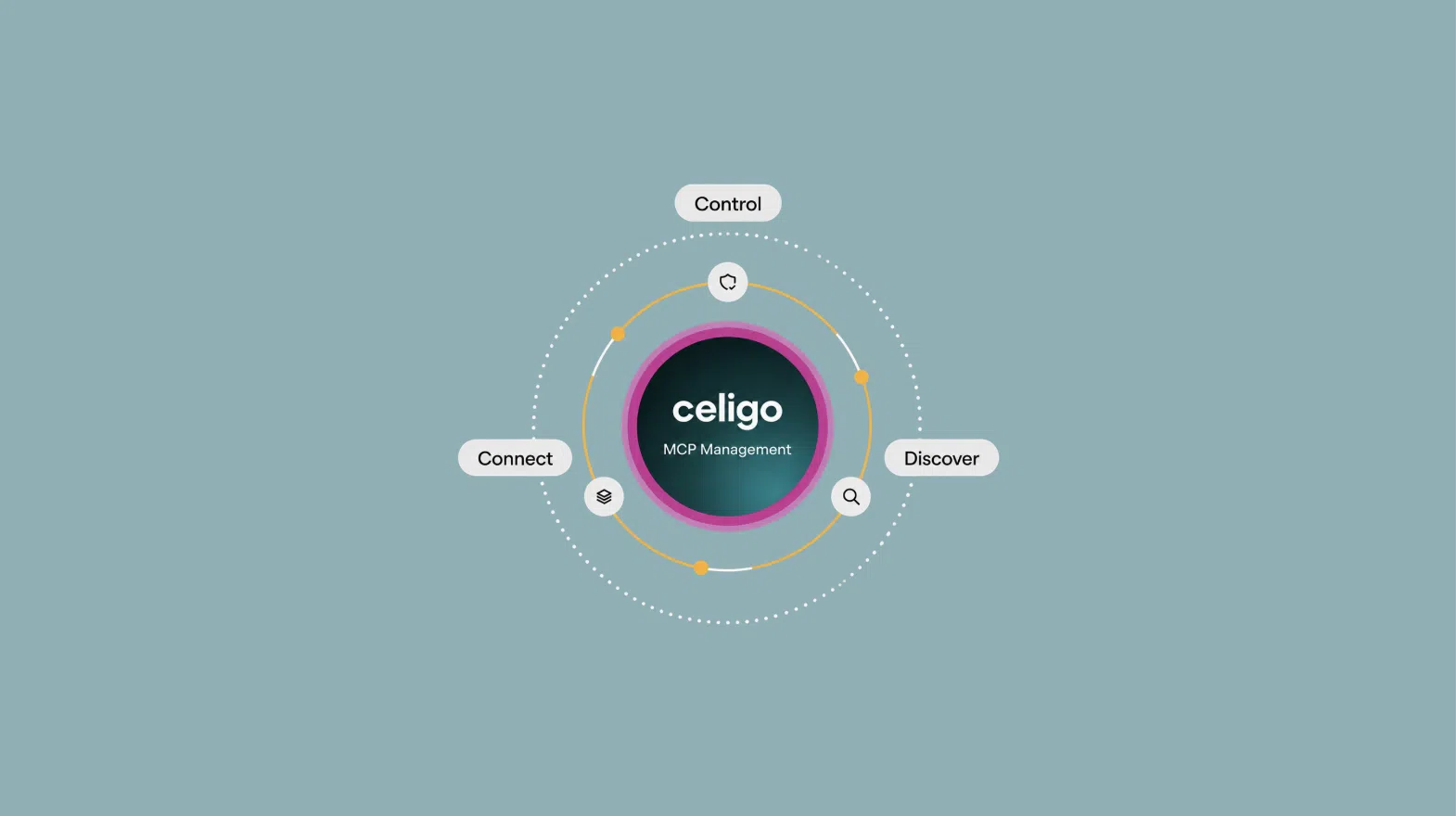
Today we’re introducing Celigo MCP Management so teams don’t have to choose. It gives teams one place to connect AI assistants and agents to the tools they need, control who can use them, and see who has access and who approved it.
Why we built it on our intelligent automation platform
Celigo started with app-to-app integration. Over the years we’ve handled the hard parts of connecting business systems including authentication, orchestration, error handling, and governance across more than 1,000 applications. AI assistants and agents need that same foundation to access enterprise systems securely. So instead of adding another tool to manage, we built MCP Management into the platform already running your integrations.
What MCP Management does
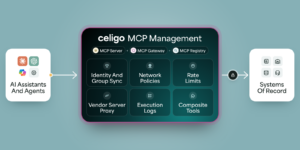
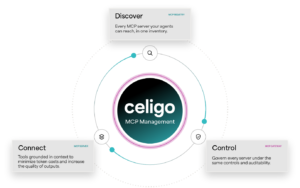
Model Context Protocol (MCP) gives AI assistants and agents a standard way to connect to business systems. MCP Management helps teams connect, control and discover MCP servers through one control plane, reducing risk and, along the way, token costs.
It starts with connecting AI to the right tools. Take a finance team that wants AI to help with collections. To follow up on an overdue invoice, an assistant needs the customer record from your CRM, the payment history from your ERP and the collections policy your team follows. Vendor MCP servers each cover one system, so the assistant makes separate calls and reads full records, most of which it doesn’t need. With Celigo MCP Server, teams build one tool on more than 1,000 app connections and the integrations they already run. It makes one call and returns only what the follow-up needs. The model reads less, so token costs stay down, and it answers from your systems of record and your policy instead of assumptions, so the output is more reliable.
Then there’s control over who uses those tools. The MCP Gateway connects to your identity provider, so each person or role sees only the tools assigned to them, and every call is tied to a verified identity instead of a shared credential. The collections assistant can read the customer record, payment history and policy, but it can’t issue credits or change payment terms, and Celigo logs every call with the analyst who asked. Vendor MCP servers you already use can be proxied through the same gateway. Teams can switch off tools they don’t want exposed, rewrite unclear ones so assistants and agents use them correctly, or swap a risky or expensive tool for a safer one built in Celigo.
Finally, teams need to see who has access in the first place. The MCP Registry lists every registered server, who can use it and who approved that access. Employees get a sanctioned way to ask for what they need, and IT stays in the loop instead of finding out after the fact.
Building an agent is getting easier. Deciding what it should be allowed to do still takes judgment. Our view is simple: give the work as much AI as it needs, and no more.
Join me on October 21 webinar at 11 a.m. PT for Where to use AI and how to stay in control. We’ll show how Celigo MCP Management connects assistants and agents to the tools and context they need, with clear controls over what they can do.