Celigo Headless: Full Platform Power in Your Terminal, IDE, or LLM
 Updated Jul 22, 2026

For most of the last decade, using an integration or iPaaS platform meant opening a browser, logging into a console, and building inside someone else’s interface. The platform was a destination that you had to go to.
That made sense when work itself stayed in one place, but that is no longer how teams operate. Today, where people build has fragmented according to the tools and environments that best fit their roles. Developers spend most of their time in the terminal and the IDE, while AI-first teams, often working within the business, are increasingly getting work done through conversations with LLMs.
So we asked ourselves a simple question: what would it take for the full power of Celigo to show up wherever work is already happening?
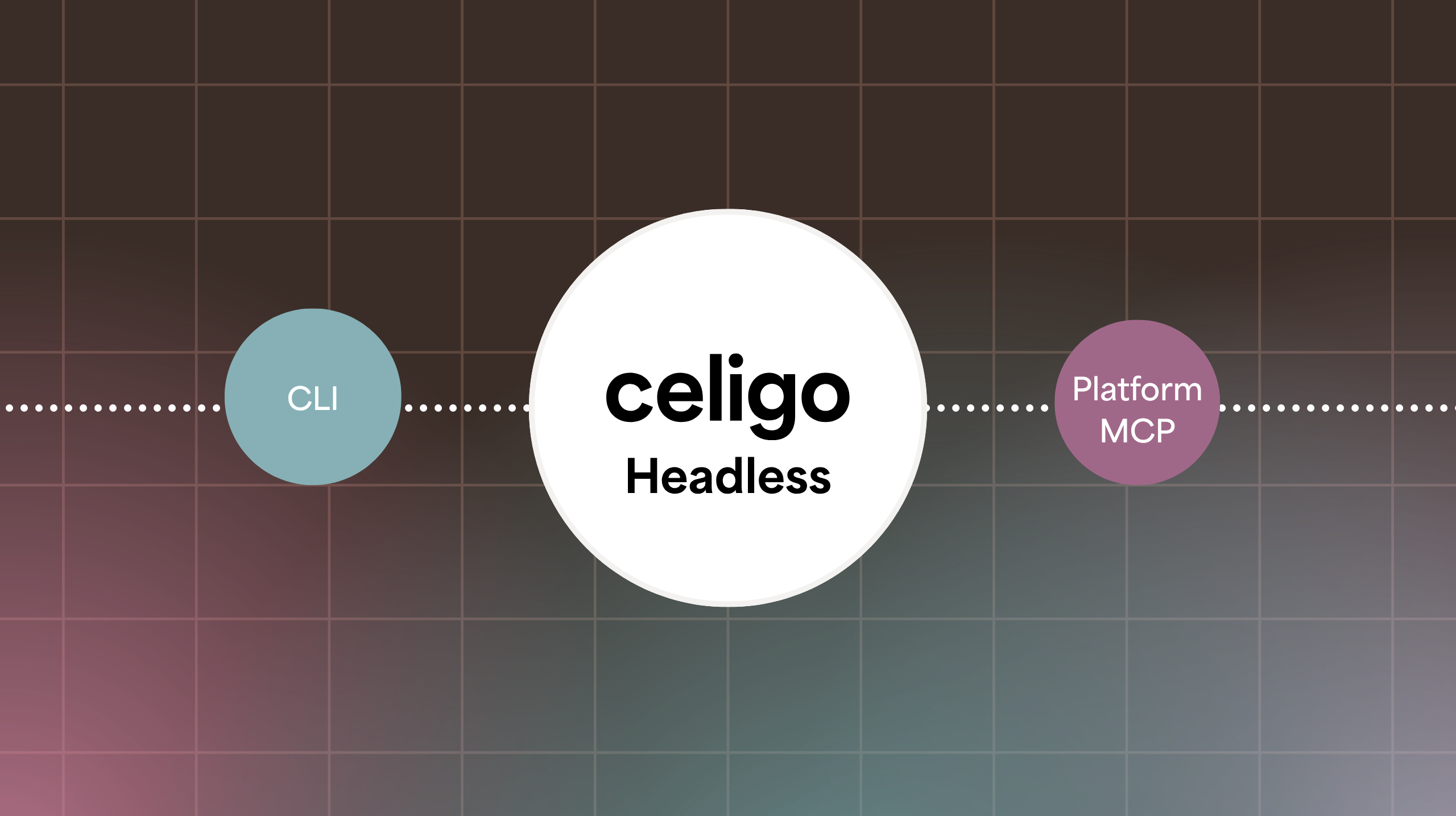
And the answer our product team arrived at is truly headless access to the Celigo Platform. Over the past few weeks they have delivered on that vision, shipping two critical capabilities: the Celigo CLI (Command Line Interface), released in May, and Celigo Platform MCP (Model Context Protocol), live as of today.
None of this replaces the Celigo UI. Plenty of customers do their best work on the visual canvas and have every reason to stay there. Our headless capabilities are additive. They bring Celigo into the places where work is already happening, allowing users to build without switching contexts or disrupting their workflow.
What “Headless iPaaS” Actually Means — and Why Most Get It Wrong
The thing about most “headless” offerings in the market is that they are often partial and incomplete.
It’s a familiar pattern: a platform announces a CLI or an API-first mode. You get excited, only to discover it covers a fraction of what the UI does. Maybe you can list resources, but you can’t configure them. You have read access, but no write access. The moment you try to do real work end-to-end, you are shunted right back to the browser.
We took the opposite stance. If a capability exists within the Celigo UI, it should be available from whatever surface you choose, whether you are doing admin work, building automations, or managing them. The whole point of meeting people where they work is that they shouldn’t have to leave.
Fortunately, our architecture is built on a powerful set of core Platform APIs that expose the full functionality of the platform, not just a partial subset. This gave us the exact foundation we needed to bring these capabilities headlessly to any surface. We paired this with our personal access token governance, ensuring a user inherits the exact same permissions they have in the platform, whether they are operating through the CLI or Platform MCP.
Celigo CLI for Developers
The Celigo CLI puts the whole platform behind your command line. You can build and manage automations the same way you do everything else in your terminal: typing commands, piping output, scripting the repetitive parts, and keeping it all in the same window as your editor and your git history.
This matters because the terminal and the IDE are where developers spend the bulk of their time, increasingly working alongside assistants like Claude Code, Codex, Cursor, and Windsurf.
The CLI makes your AI coding assistant fluent in Celigo through a powerful set of skills that come along with it. You can think of skills as packaged domain knowledge about how the platform actually works, covering workflow guides, field schemas, and common pitfalls. Without this packaged knowledge, assistants are far more prone to hallucinate, inventing Celigo’s APIs and handing back wrong field names, made-up endpoints, and JSON that won’t validate.
Because the CLI gives your AI assistant complete context about your Celigo environment, you can prompt your agent directly in your IDE terminal to execute tasks instantly, like creating a Lookup Cache:
> write a lookup cache in my Celigo instance that has the 50 US states and their abbreviationsInstead of playing a guessing game, your assistant uses the underlying CLI to generate the correct payload and instantly deploy the cache to your instance. CLI can deliver this same experience across any platform use case, from monitoring errors, adding new users, or building new assets.
Celigo Platform MCP for AI-first Users
Model Context Protocol (MCP) connects an LLM to outside systems in a standardized way that agents can understand. Celigo Platform MCP plugs our platform capabilities directly into the LLM of your choice, whether that’s Claude, ChatGPT, Gemini, or another MCP-compatible service.
Behind the scenes, Platform MCP exposes the full platform as 25+ tools the model can call directly. Getting connected is just as straightforward, using a standard OAuth sign-in with no tokens to copy or config to wire up manually.
The power here is that AI-first users can work directly out of their LLM. They can build a flow by describing it, ask what failed overnight and have it investigated, or hand off repetitive orchestration entirely, without ever leaving the conversation.
A natural language interaction with your integration platform now looks like this:
You: “Did the Shopify to Stripe payment sync flow fail overnight?”
Claude (via Celigo MCP): “Yes, Flow #364 failed at 1:07 AM. There were 27 errors, all returning a 402 Payment Required due to a declined charge retry loop on the Stripe connection. Would you like me to pause the flow until the issue is resolved?”
You: “Yes, pause it and generate an audit log of who last touched that connection.”
One platform, wherever you want to work
The interfaces we use will keep multiplying, tools will keep changing, and some of your most valuable teammates over the next few years may not be people at all. We can’t predict exactly where you’ll be working, so we built Celigo to meet you there regardless.
Whatever surface you reach for, the full power of the platform is on the other side of it.
Ready to build without boundaries?
- Developers: Install the Celigo CLI via npm to bring the platform into your terminal and IDE.
- AI-first Teams: Connect to the Celigo Platform MCP to bring the platform to your LLM of choice.
- Evaluating Celigo? See how headless access fits into your team’s workflow. See Celigo in action.
Frequently asked questions
Learn more