
Celigo CLI
Build and manage your Celigo automations from your terminal
Bring the full Celigo platform into your terminal. Build, manage, and automate without breaking your flow.
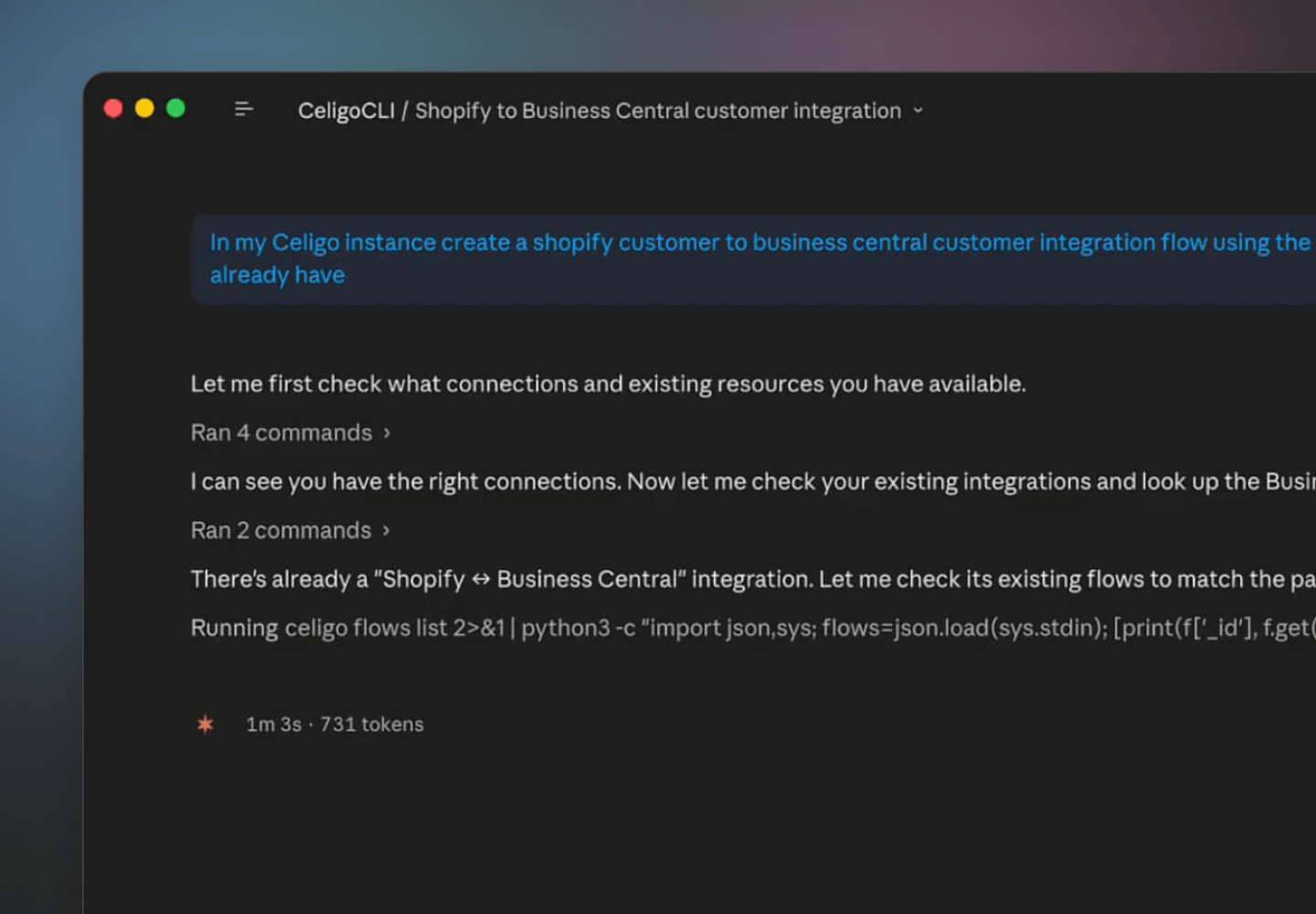
Developers shouldn't have to leave their environment to build integrations.
Context switching slows development. Celigo CLI gives developers direct access to the full Celigo platform from the terminal and IDE they already use, with no browser required.
Full platform access, native interface
Everything Celigo can do, available at the command line
Celigo CLI isn’t a limited subset — it’s complete REST API parity. Build, manage, and operate your entire Celigo environment without opening a browser.
Build and configure
Create and manage integrations, flows, connections, exports, imports, and scripts — all from your terminal.
Operate and monitor
Run jobs, review audit logs, manage notifications, and troubleshoot errors without leaving your environment.
Extend and automate
Build tools, APIs, agents, and MCP servers. Script complex workflows using jq filters and standard shell patterns.
Administer at scale
Manage users, environments, stacks, and infrastructure across multiple accounts and regions from a single binary.
Built for how developers work
Designed for developer workflows, not browser sessions
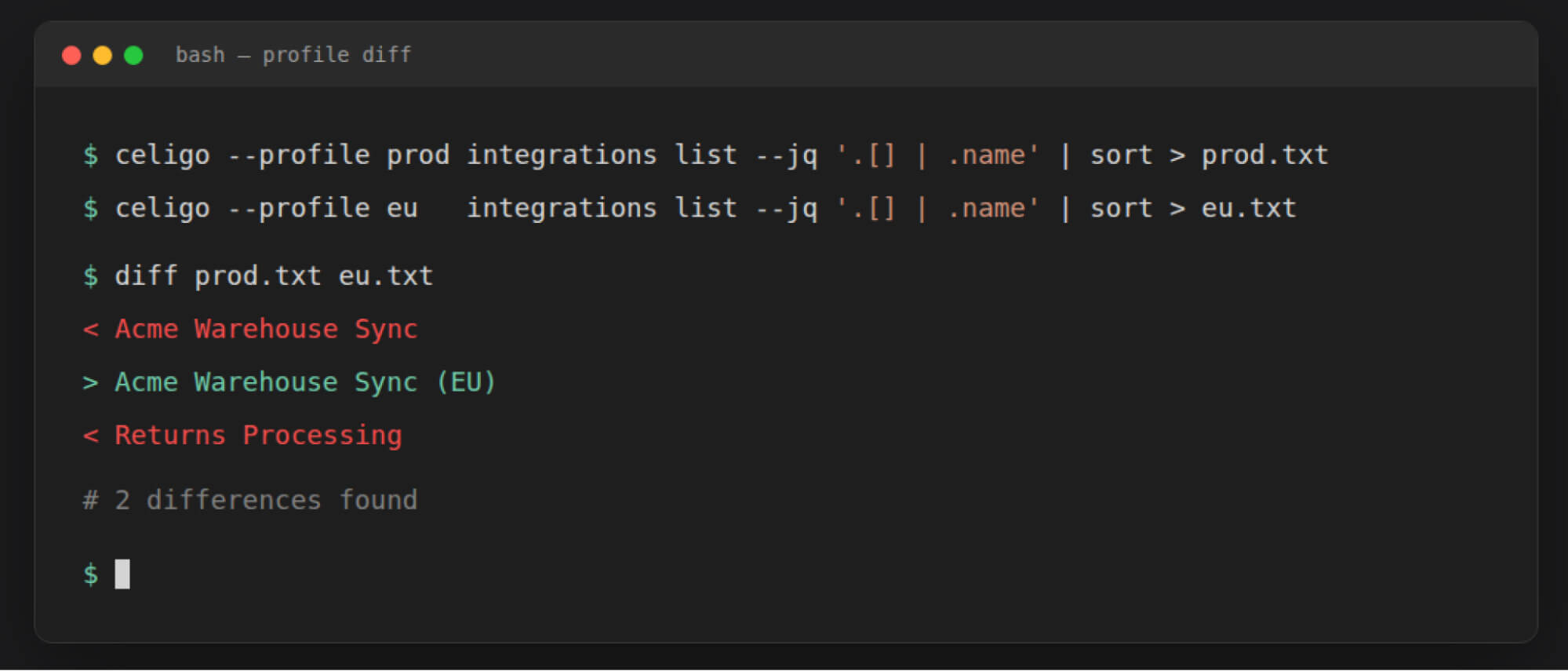
Multiple accounts, one tool
Profiles let developers manage multiple Celigo accounts and regions — production, EU, sandbox — from a single binary. Switch environments in one command, with permission modes to keep writes safe.
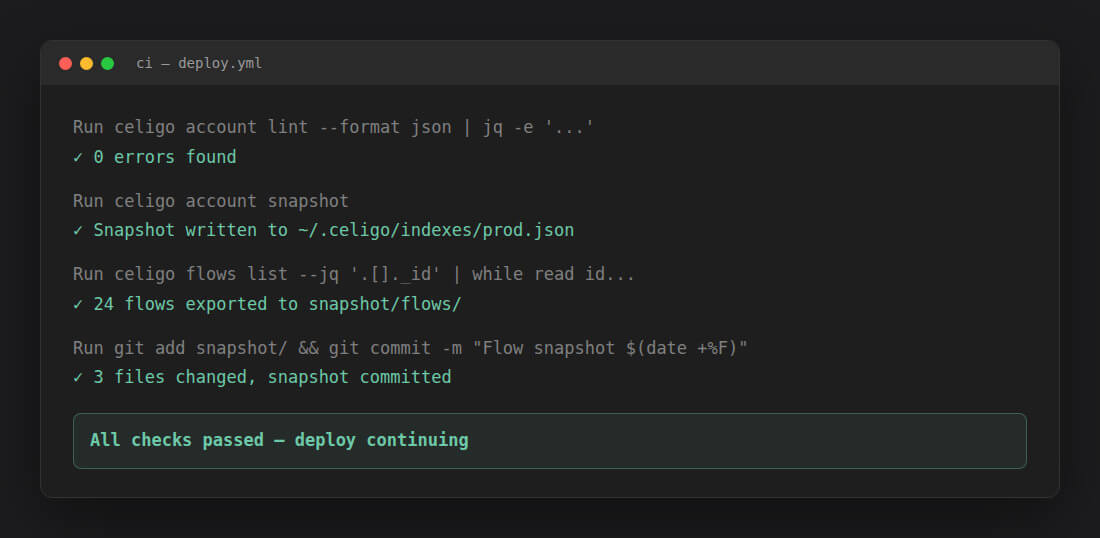
Scriptable and CI-friendly
Celigo CLI is built for automation. Pipe output through jq, integrate into CI/CD pipelines, and compose complex multi-step workflows using standard shell patterns.
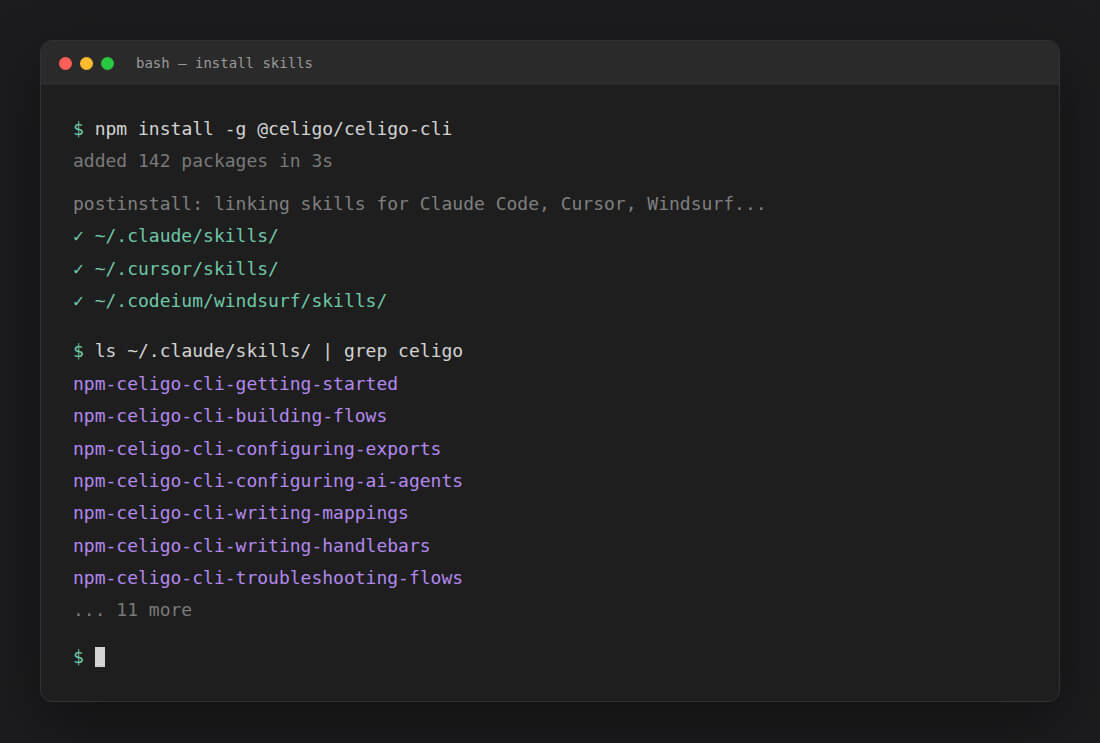
Works with your AI coding assistant
Installing Celigo CLI also installs domain-specific skills for Claude Code, Cursor, and Windsurf — so your AI assistant gives accurate, grounded answers about Celigo instead of guessing. Build faster with an AI that actually knows the platform.
Up and running in minutes
Install, authenticate, and go
Install via npm, authenticate with a Celigo API token. Three commands and you're building.
npm install -g @celigo/celigo-cli
export CELIGO_API_TOKEN="<your token>"
celigo integrations list --format tablePODCAST
Why CLI is making a comeback
Explore why CLIs are back, how they work with AI code editors, and what headless operations mean for enterprise integration.

Frequently asked questions
Give your developers the integration tools they actually want to use
See Celigo CLI in action — get a demo or start with the docs.