Salesforce
 MS Dynamics 365
 Oracle NetSuite
 SAP
SAP Walmart
 Amazon
 Shopify
 Snowflake
 Acumatica
Webhook vs API: Key differences & when to use each


Modern enterprises operate across dozens of systems. ERP platforms manage finance and inventory, ecommerce apps process orders, and CRM platforms track customer relationships. These apps constantly share data to sync and keep operations aligned.
To make this data transfer possible, organizations rely on integrations that allow applications and servers to communicate. Two common mechanisms for integrating applications are APIs and webhooks.
Many resources compare webhook and API functionalities as used in developer tools like SDKs, but enterprise teams face a broader challenge. As integrations grow, organizations ensure that applications, clients, and servers exchange real-time data reliably and securely.
This article explains the difference between APIs and webhooks, how both support enterprise integrations, and why monitoring, orchestration, and governance matter more than the communication method.
What are APIs and webhooks?
An Application Programming Interface (API), allows one application to interact with another by sending a request (commonly called API calls) to an endpoint on a server. APIs allow applications and clients to retrieve data, update records, or trigger actions within other apps.
Most APIs rely on HTTP protocol requests. A client-server sends a request to an API endpoint and the web server responds with a payload, often formatted as JSON or XML. Web APIs allow systems to share data and support two-way communication between applications.
REST APIs are among the most common types used to integrate applications. Well-known examples of APIs include Slack messaging integrations, payment APIs, and CRM APIs that allow apps to access customer information.
Webhooks use a different model. Instead of waiting for clients to send API calls, a server automatically sends an HTTP protocol POST request when a specific event occurs. These webhook resources deliver data to another endpoint so applications can react immediately.
When a payment is completed, a web server provider may send a webhook payload to another application. Platforms like Slack often use webhooks to trigger notifications or automate workflows.
In practice, APIs and webhooks work together. APIs allow apps to handle data transfer, while webhooks deliver real-time payloads when events occur.
How APIs and webhooks support enterprise workflows
Most enterprise integrations combine APIs and webhooks within orchestrated workflows.
Webhooks typically act as event triggers. When an event occurs in an application, the server sends a webhook POST request to a receiving endpoint. That event can then start a workflow.
APIs allow applications and clients to interact with data transfer in a controlled way. An integration workflow may send an HTTP protocol request to an API endpoint to retrieve the payload, validate records, or update another application. Systems share payloads in real time while maintaining controlled data access and secure data transfer.
Order-to-cash example
Consider an order-to-cash workflow connecting ecommerce apps, ERP systems, and CRM platforms.
- An ecommerce app creates an order and triggers a webhook event.
- The integration workflow sends an HTTP protocol request to a REST API endpoint on the ERP server to validate inventory.
- If inventory is available, the workflow sends another API request to create the order in the ERP application.
- A logistics provider sends a webhook payload when the order ships.
The integration updates the CRM app using an API endpoint.
Webhooks trigger events while APIs allow applications and clients to exchange real time payloads and update records across servers
Webhook vs API: Key differences
APIs and webhooks represent different interaction models for applications and clients.
APIs use request-based communication. A client sends an HTTP request to an API endpoint when data is needed.
Webhooks use event-driven communication. When an event occurs, a server sends an HTTP POST request to another endpoint automatically.
| Pattern | API | Webhook |
| Interaction model | Request-based | Event-driven |
| Timing | On-demand | Triggered by events |
| Control | Client-controlled | Server-triggered |
| Typical use case | Data retrieval or updates | Event notifications |
With an API, a client sends a defined HTTP request to an API endpoint hosted on a server. The server processes the request and returns a JSON or XML payload. This gives clients control over when they retrieve or update data.
Webhooks work differently. During an event, a server sends a POST request containing JSON data to another endpoint. This way, applications receive real-time data without repeated API calls.
Despite these differences, APIs and webhooks are not competing technologies. Most integrations combine both functionalities.
A webhook may notify an application that something happened, while APIs retrieve additional information or update other apps. Developers frequently use both functionalities via SDKs when integrating applications.
Examples of APIs include ecommerce APIs, Slack messaging APIs, payment APIs, and CRM data APIs. These APIs allow clients to share data, update records, and integrate applications across servers.
When to use APIs vs Webhooks in modern integrations
Enterprise teams rarely choose between APIs and webhooks exclusively. Their differences support separate integration workflow outcomes.
Use APIs when:
APIs are useful when applications must retrieve payloads of data on demand.
For example, a client may send an HTTP request to an API endpoint to retrieve a payload with customer records from a CRM system. Another integration may send a POST request to update order data in an ERP application.
APIs are also used when processes require validation before execution. A workflow might request inventory levels, verify payment status, or confirm account data before continuing.
Because APIs provide structured endpoints with predictable payloads, they allow clients and applications to control how they interact with data.
Use webhooks when:
Webhook functionalities are ideal for event-driven workflows.
For example, an ecommerce platform may send a webhook when a new order is created. A payment application may send a webhook after a transaction is confirmed.
These events typically deliver JSON payloads through an HTTP POST request sent to a receiving endpoint. Because the server pushes the data automatically, systems can process real-time data without continuously requesting updates.
In most integrations, webhooks trigger workflows while APIs handle the requests needed to retrieve or update additional information.
Implementation considerations for enterprise teams
Building integrations with APIs and webhooks requires more than connecting apps. Enterprise developers must ensure reliability, monitoring, and governance across servers and endpoints.
Monitoring and error handling
Without monitoring, webhook failures or API errors can silently disrupt workflows.
For example, if a webhook fails, an order event payload may never reach downstream apps. A failed API request may prevent an ERP server from receiving updated order information.
Organizations should implement retry logic, centralized logging, and alerts for failed HTTP requests. Monitoring helps teams ensure webhook events and API requests continue delivering real-time data across applications.
Defining system-of-record ownership
Integrations must also respect which application owns specific data.
An ecommerce app may capture orders and trigger webhook notifications. The ERP system is the financial system of record, while a CRM platform stores customer information.
If multiple applications update the same records through API requests, data conflicts can occur. Clear system-of-record rules help ensure integrations access the correct API endpoint and maintain consistent data sharing.
Avoiding brittle point-to-point integrations
Many organizations initially integrate applications through direct connections.
One server may send webhooks to multiple endpoints, while scripts send API requests between different apps. Over time, these point-to-point integrations become difficult to manage.
Teams may maintain dozens of webhook endpoints, multiple API clients, and inconsistent authentication across servers. Troubleshooting becomes difficult because integrations span multiple applications.
These challenges often signal that organizations need centralized governance for integrating applications and mapping APIs, endpoints, and workflows.
Monitoring and governing API and Webhook integrations at scale
As companies adopt more digital tools, the number of integrations grows quickly. Each new application introduces additional API endpoints, webhook subscriptions, and servers exchanging real time data.
At scale, the main challenge becomes operational visibility.
Teams must monitor webhook deliveries, manage API authentication, retry failed HTTP requests, and maintain logs of data sharing activity. Without centralized oversight, integrations can fail silently or create inconsistent data across apps.
Effective governance requires standardized monitoring, workflow orchestration, and consistent API management practices. Instead of tracking individual requests, organizations need visibility across entire integrations connecting ERP, CRM, ecommerce, and finance applications.
Orchestrating and governing enterprise integrations with Celigo
In enterprise environments, the challenge is not choosing between API and webhook functionalities. Both are essential communication patterns for integrating applications across modern systems.
The real challenge is managing them reliably across servers, clients, and workflows.
Managing APIs and webhooks independently often leads to fragmented integrations, scattered endpoints, and limited monitoring. As the number of applications grows, troubleshooting API requests and webhook events becomes increasingly difficult.
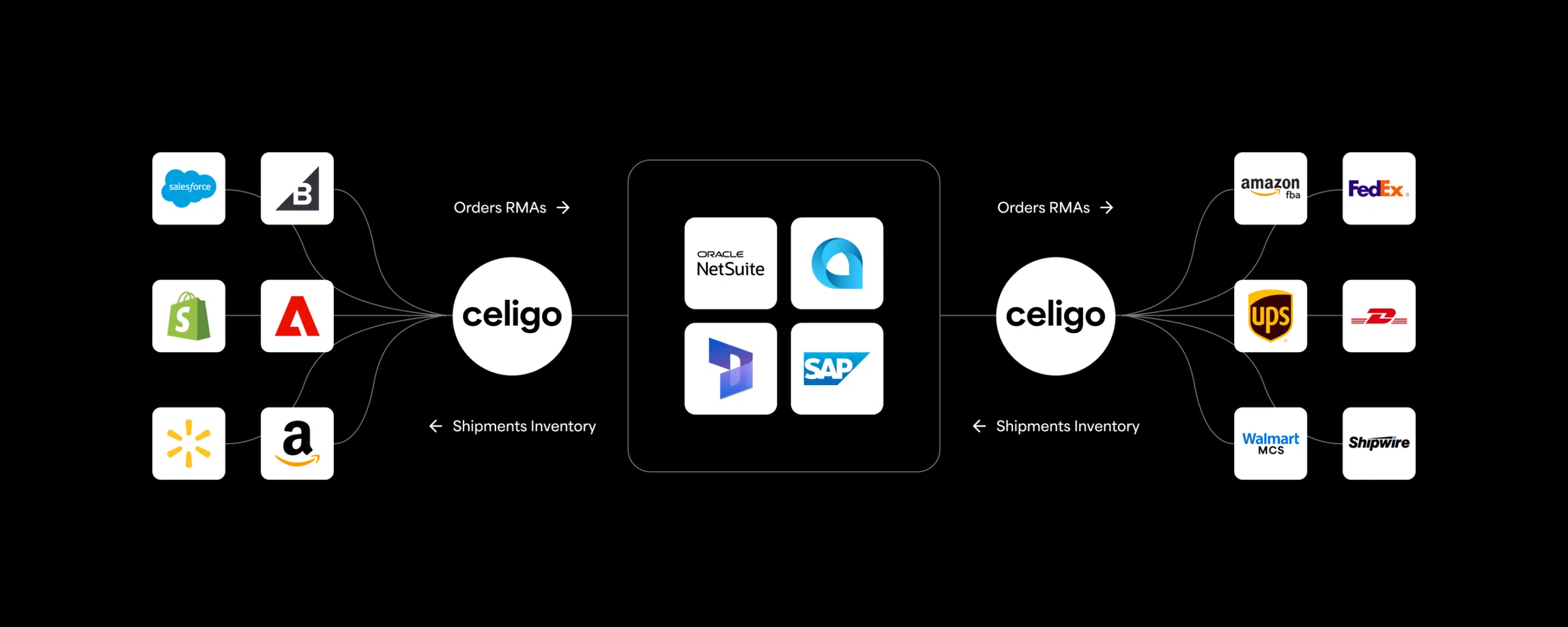
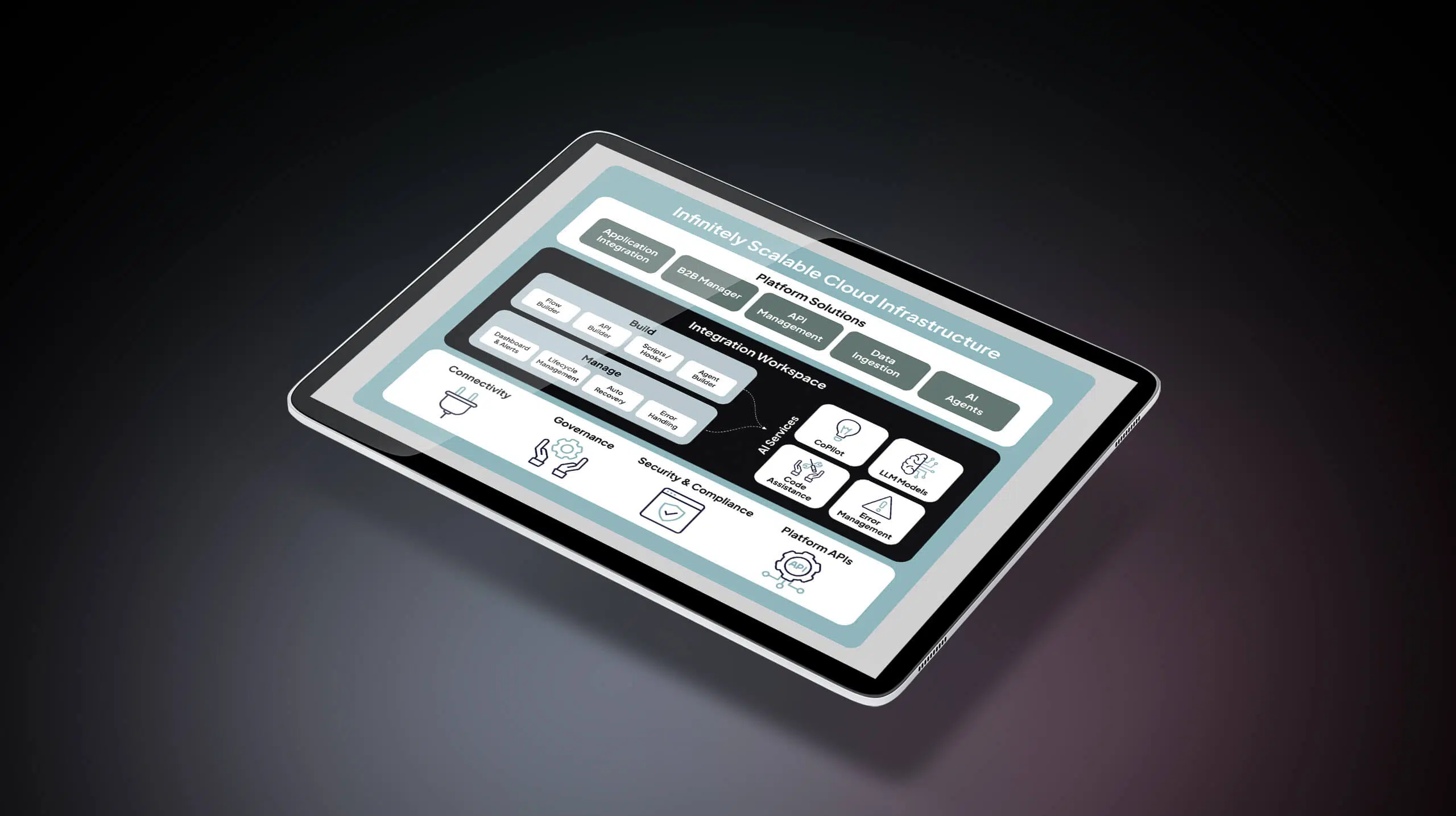
Celigo provides an integration platform as a service (iPaaS) that acts as an orchestration layer for API and webhook integrations.
The platform helps organizations integrate applications using both event-driven and request-based workflows. Teams can manage authentication, transform JSON or XML data, and monitor API requests and webhook deliveries across servers.
Celigo also provides observability and error handling so developers and operators can monitor integrations and maintain reliable real-time data sharing between applications.
By orchestrating APIs and webhooks within governed workflows, organizations can move from brittle point-to-point connections to a scalable integration architecture.