Flow visualization preview for Marketplace templates
 Updated Jan 28, 2026
Explore integration templates visually before installation.

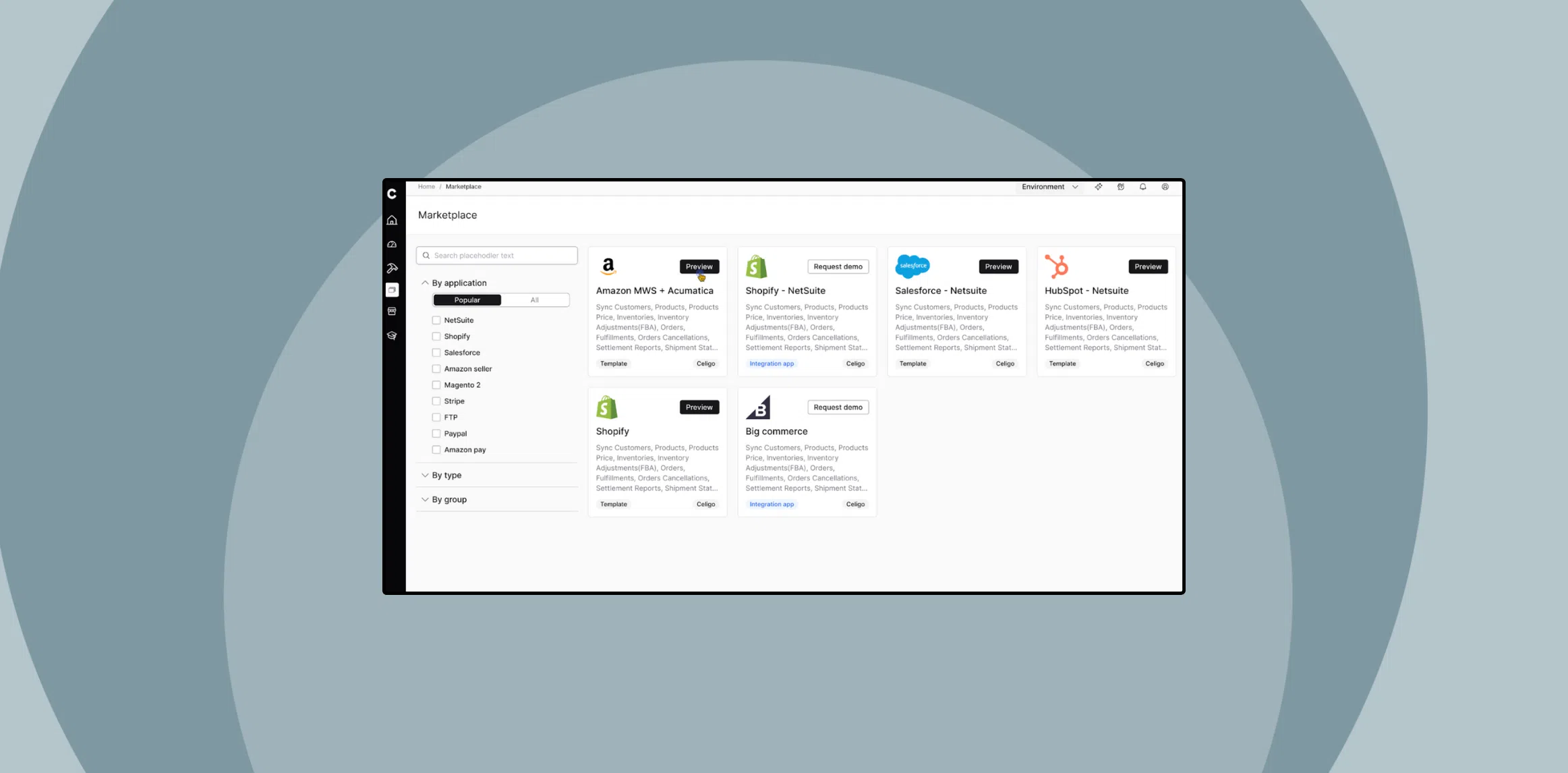
The Celigo Marketplace now features a flow visualization preview, allowing you to explore the structure and logic of integration templates before installing them.
This enhancement provides a full-screen, read-only view of each template’s flows, so you can understand what’s included without impacting your environment.
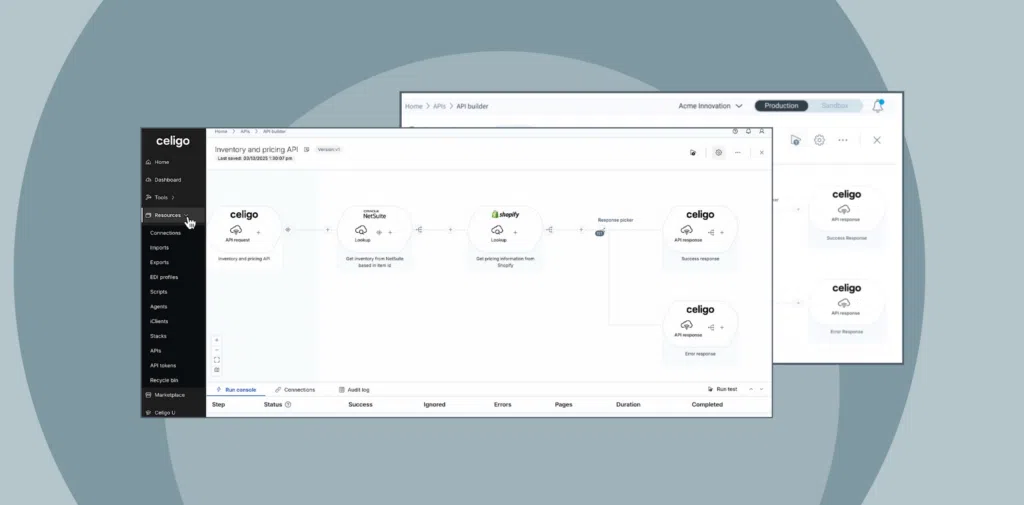
You can review connected apps, mappings, filters, scripts, and branching logic in context, all within a visual flow diagram. It’s a faster and safer way to evaluate templates and determine what fits your business needs.
Watch the demo
What’s new
-
Interactive preview – Explore flow diagrams directly in the Marketplace
-
Clickable flows – Open each one in a read-only version of Flow Builder
-
Visual breakdown – View mappings, filters, scripts, and lookups in place
-
Contextual insights – Understand branching logic, hooks, and data sources
You can also toggle between the Simple and HTTP views to inspect export configurations. Flows are grouped by business module for easier navigation, and the left panel gives quick access to related imports, exports, and connections.
Click Read Me to view the template’s documentation before installation.
Why use the flow visualization preview
The flow visualization preview enables users to evaluate integration templates more efficiently and with greater confidence, especially in complex, multi-app environments.
-
Understand before you install – See flow logic, components, and structure in full context
-
Faster decision-making – Quickly assess whether a template fits your business needs
-
Reduce setup time – Avoid unnecessary installs by selecting the right template from the start
-
Lower risk – Safely explore templates in read-only mode with no impact to your workspace
-
Accessible for all users – Make it easier for non-technical teams to understand what’s included
-
Improved team collaboration – Share visual previews to align across teams faster
-
Documentation in context – Access Read Me files directly within the preview
-
Simplified browsing – Navigate flows grouped by business module
This preview feature helps you make faster, more confident decisions by showing exactly how each integration template is structured before it is installed.
It provides you with the clarity to assess flow logic, understand dependencies, and choose the right solution, all without impacting your environment.
Integration insights
Expand your knowledge on all things integration and automation. Discover expert guidance, tips, and best practices with these resources.