Celigo’s AI Copilot: A conversational assistant for better building
 Updated Feb 13, 2026

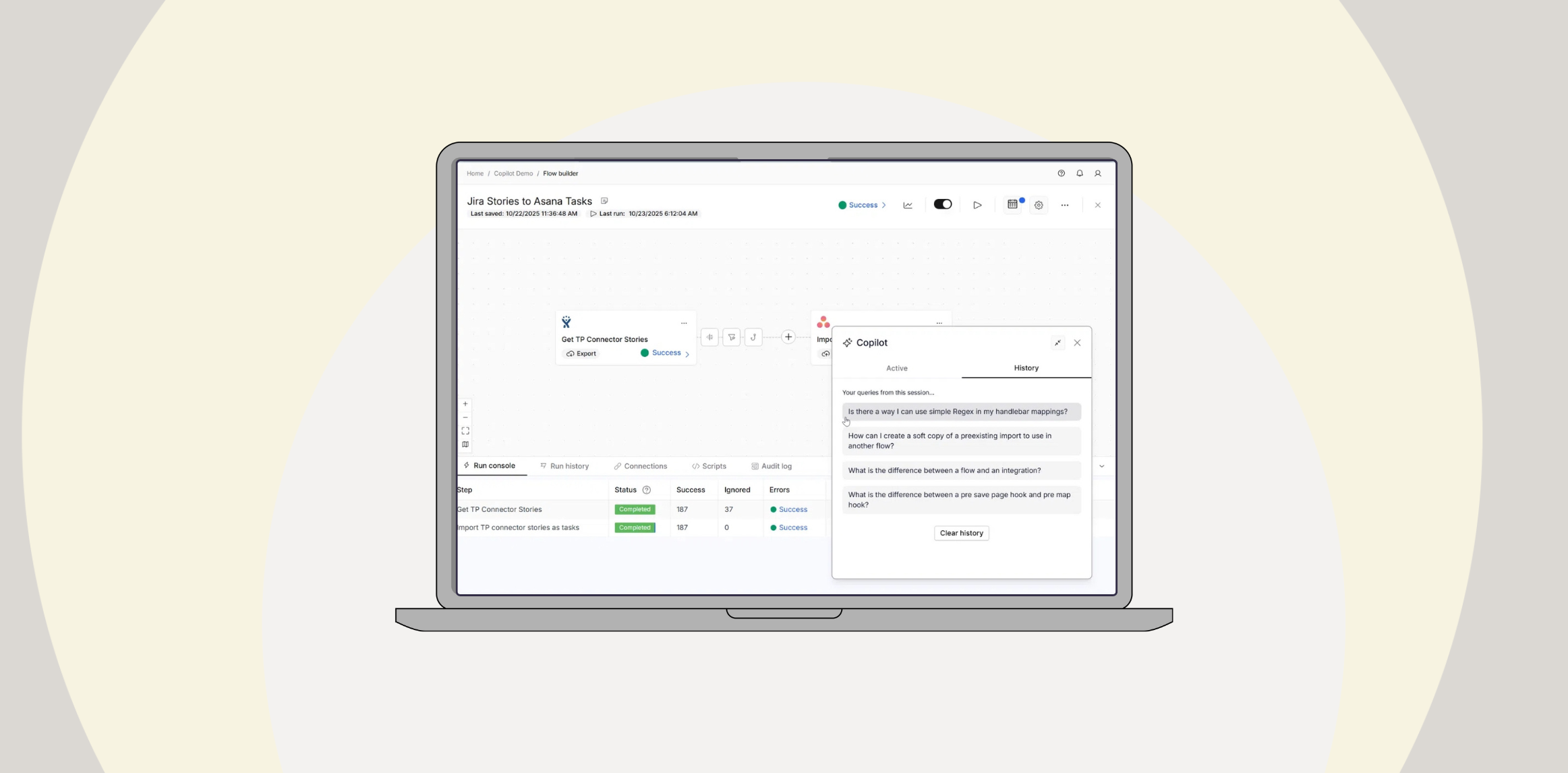
Celigo’s AI Copilot is a context-aware assistant embedded directly within the platform, designed to help you build, troubleshoot, and navigate the integration process more efficiently. It provides real-time guidance based on your current task, offering relevant product documentation, platform knowledge, and suggestions to assist with next steps or complete specific actions.
Let’s explore the Copilot. We’ll take a look at a scenario where we get stuck while building a flow. We know what we want to achieve, but don’t know how to do it or what features might support it.
Copilot can be especially useful in these situations.
Watch the demo
New users will find Copilot especially helpful. Learning various features and new terminology often requires finding and compiling information from many places.
With Copilot, users can request this information conversationally in a resizable, movable chat window with a knowledge base rooted largely in Celigo’s Help Center documentation.
Resolving roadblocks

Suppose we use the above flow to support web operations for our tech company’s SaaS product. This flow uses new product development stories for the product in Jira to create page publication tasks, tracked in Asana.
This flow will allow our Web Operations team to maintain parity with Product Operations and Engineering, creating forward-facing web pages that inform customers of support and features of new Products, without requiring them to be users.

We want to map the Jira description of stories to a single field in our Asana task. However, the data is more complex than we’re used to.
The description’s text is broken into paragraphs inside the “Content” array. In each object of this array, each paragraph’s text is found in yet another “Content” array, nested inside the larger array. We want to go through every nested array, with this larger array, and aggregate the text into a single string.
Can we do this? What would the feature be called that allows us to do this? This is where Copilot is especially handy. We can briefly explain our problem and ask for guidance on how to fix it.
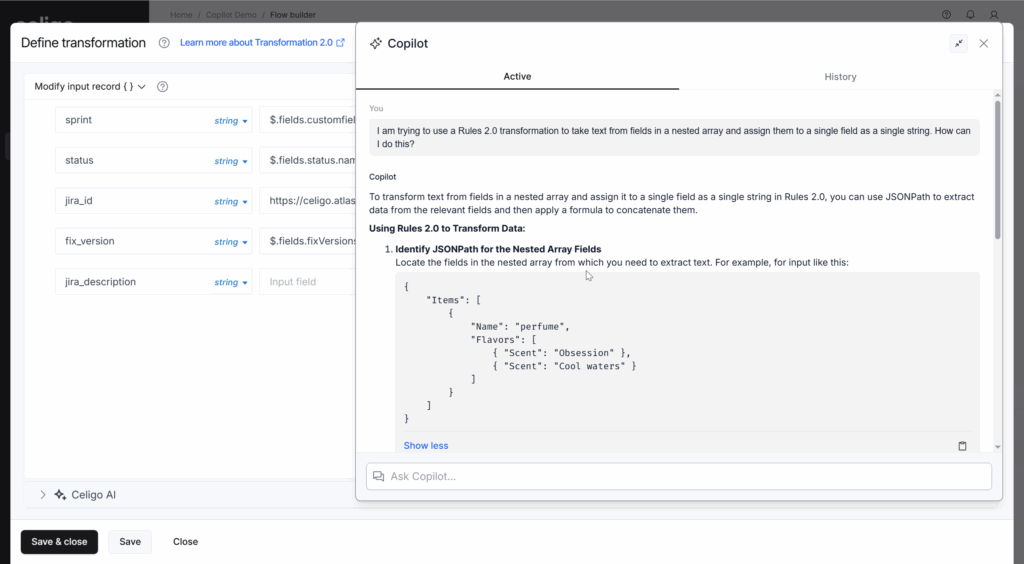
With a simple explanation, Copilot returns a few approaches to building the Jira description as a single string.
The first method, using a JSONPath, even includes test data that resembles our issue with a nested array.
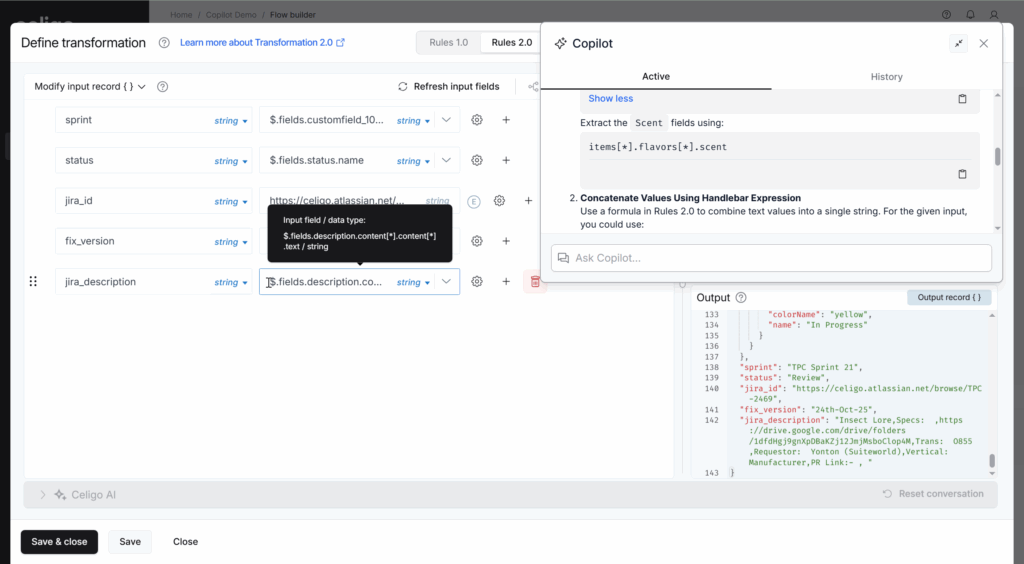
Following this convention is easy enough. We apply this to the format of our own data and get the desired result!
There is one minor issue: there is no space between paragraphs. While this may be good enough, let’s see if we can make it a little neater with the handlebars, as Copilot recommended in their second approach.
Copilot is conversational and aware of its previous responses. As such, we can hone in on something we’re interested in and ask for more detail.
Let’s ask Copilot to give us more information on using handlebar expressions for this problem.
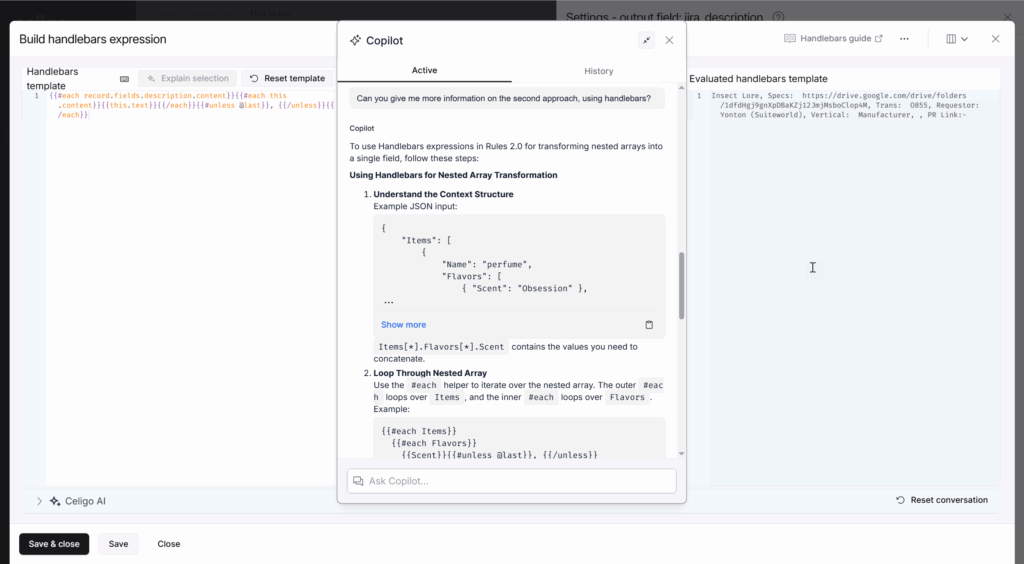
Like the first JSONPath approach, this more in-depth answer gives us examples of how to construct our handlebar statement and shows us which handlebar helpers to use.
Using this answer as a guide, we can create the description in the proper format. Each paragraph is separated with a comma and a space, unless it’s the last element (thanks to the aptly named “#unless” helper).
Guided next steps
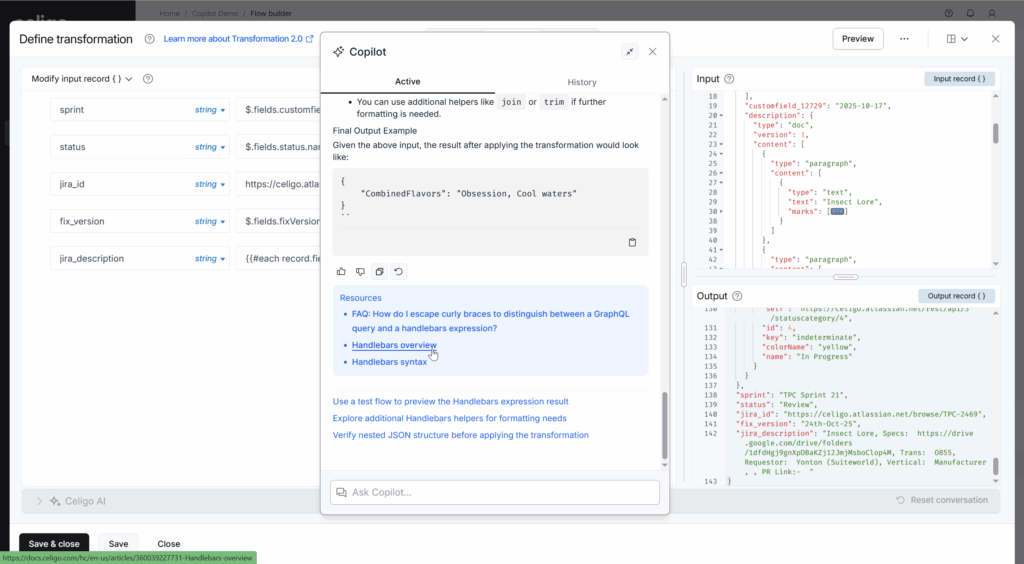
Depending on your level of familiarity, this answer may or may not be sufficient for you to achieve the result you’re looking for. If you’re unfamiliar with either the “each” or “unless” helper, maybe you’d like to ask about that. If the answer is too long, you can ask Copilot to summarize its last response. Otherwise, Copilot will always provide additional resources that you may find relevant to its latest answer. It will also suggest follow-up prompts if you’re unsure what to explore next.
If you’re exploring a new feature, Copilot can be a great guide to summarizing that feature and directing you to the proper documentation without requiring any digging.
Similarly, Copilot can be a great tool to help you discover features you might not know about and use them to the best of their ability.
Integration insights
Expand your knowledge on all things integration and automation. Discover expert guidance, tips, and best practices with these resources.