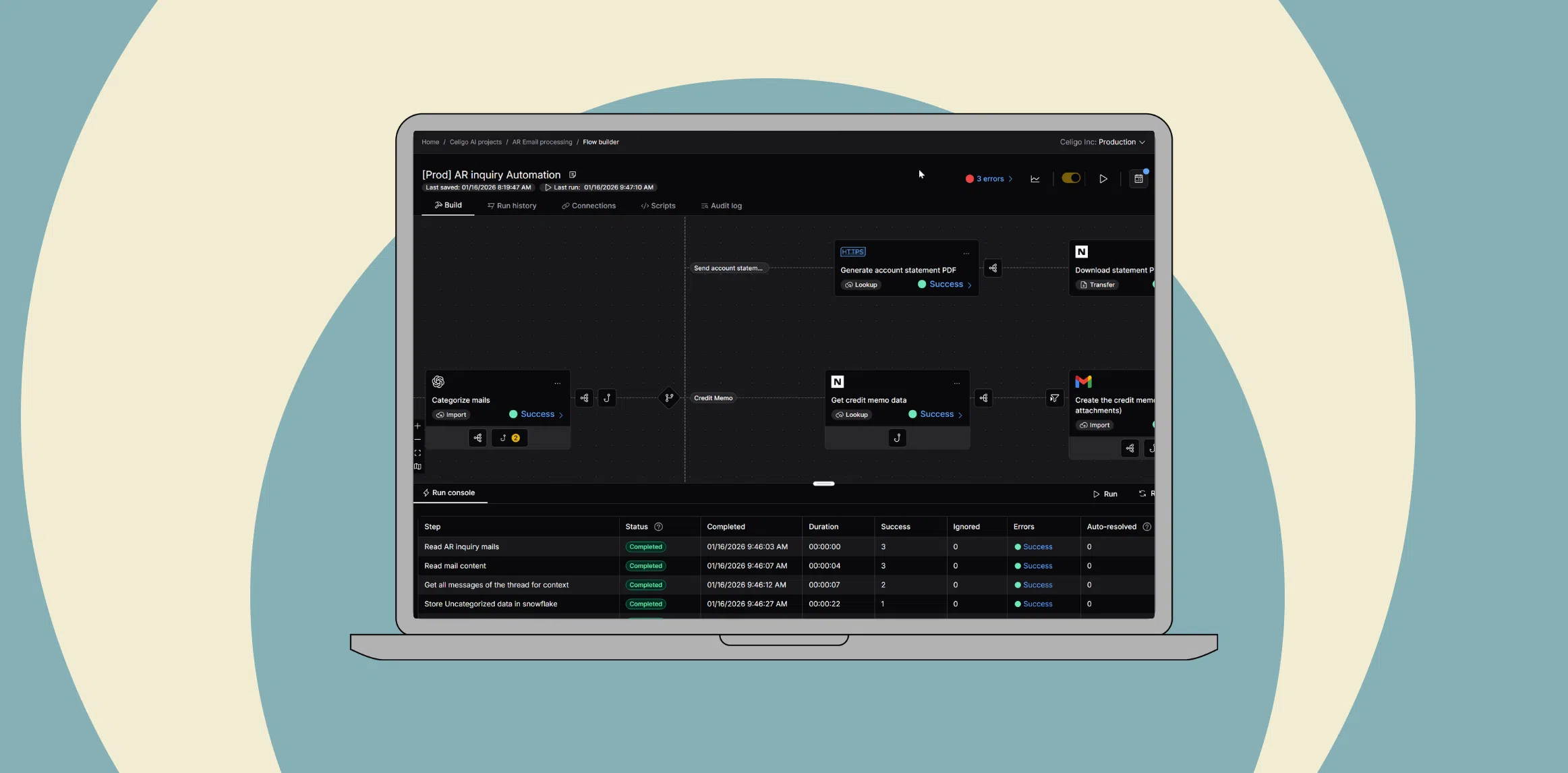
From AI pilots to AI at scale: A framework for real business impact
 Updated Feb 19, 2026


Across industries, organizations are running more AI pilots than ever. Often with impressive demos and promising proofs of concept. Yet relatively few of these efforts become durable production workflows that deliver measurable business impact. Most AI failures don’t happen in experimentation; they happen later, when it’s time to leverage AI in real systems and processes.
According to Gartner, 40% of agentic AI projects will be canceled by 2027 due to cost, inaccuracy, and governance challenges.
The core problem is usually not the AI itself. Models can classify, predict, summarize, and generate. The breakdown occurs when AI tools are disconnected from ERP, CRM, ecommerce, finance, and IT systems, or when there is no clear way to translate model outputs into actions within live workflows.
Getting to AI at scale is less about having a great data science team and more about having the right operational foundation. That means an integration and orchestration layer that links AI to core business systems, keeps data moving reliably, and provides the governance needed as more workflows depend on AI.
This guide explains why many AI pilots fail and lays out a practical framework for moving from isolated experiments to integrated, production-ready deployments. We’ll discuss how integration is needed connect AI services to core systems, so AI outputs become real-time, governed actions rather than isolated insights.
Enterprise AI and what it takes to achieve AI at scale
In an enterprise context, AI is not a feature or a one-off project.
It is a system capability that must:
- Run inside live business workflows
- Connect across core systems such as ERP, CRM, ecommerce, ITSM, and data platforms
- Deliver measurable outcomes, not just augmented insight
When data lives in disconnected systems that don’t talk to each other, automation loses context, and AI can’t produce reliable results. Breaking down data silos with a proper integration layer is a prerequisite for any serious AI initiative.
At the same time, AI capabilities are increasingly embedded directly into individual applications: CRM AI that only sees CRM data, ERP AI that only sees ERP data, and so on. Those features can be useful, but they are still siloed. Enterprise AI needs full context across ERP, CRM, ecommerce, finance, HR, and support systems to drive end-to-end outcomes, which is only possible with a platform that consistently connects those systems.
An AI pilot that predicts or generates something interesting but never updates a record, triggers a workflow, or changes a decision is still an experiment. AI at scale means those same capabilities are embedded in everyday operations.
Consider two examples.
Demand forecasting and replenishment
A model predicts demand for each SKU and location. At scale, value appears only when those predictions adjust reorder points in NetSuite, create or modify purchase orders, and notify planners—rather than staying in a dashboard.
Accounts receivable prioritization
A model scores overdue invoices based on their likelihood of payment. At scale, those scores drive prioritized worklists in ERP and CRM, influence collections outreach, and feed reporting on DSO and cash flow, not just a report in a data tool.
In both cases, AI is one component. The rest of the solution is integration and orchestration: moving data into the model at the right time, and propagating outputs back into ERP, CRM, ecommerce, or WMS with the appropriate business logic and controls.
Intelligent integration and automation platforms such as Celigo connect AI services to systems like NetSuite, Salesforce, Shopify, and others, enabling AI-driven decisions to show up where work actually happens.
The AI pilot trap: Why most failures happen after the first success
Many organizations can point to at least one AI pilot that worked technically but never scaled to a deployment. The common patterns behind these AI failures almost always come back to missing integration, unclear ownership, or weak operational design.
No connection to business goals
The pilot demonstrates that a model can predict or classify outcomes, but it isn’t tied to a specific business metric or operational constraint.
There is no clear answer to:
- Which KPI should move, by how much, and over what time horizon?
- Which team owns that outcome once the AI is live?
Without that connection, it’s hard to justify the work of wiring AI into ERP, CRM, ecommerce, or ITSM. The integration effort looks like an “extra” rather than a path to a defined business result.
Lack of integration into systems (ERP, CRM, etc.)
The model runs in a notebook, a separate AI platform, or a custom tool. There is no structured way to:
- Pull data reliably from ERP, CRM, ecommerce, ITSM, or data platforms
- Write back results as updates, statuses, scores, or triggers in those systems
The AI pilot becomes a side channel: it may produce useful insights, but nothing changes in the systems where work is actually executed.
Without an integration and orchestration layer, the only way to connect AI is with ad hoc scripts and one-off connectors that don’t scale.
Poor data accessibility or quality
Pilots often run on a curated dataset assembled by hand.
In production, the model depends on:
- Data access patterns that work at runtime (APIs, events, streams)
- Consistent definitions across systems for entities like customers, orders, or tickets
- Data quality checks are built into the integration flows, not just offline cleaning
When data is fragmented or conflicting across systems, AI will amplify those issues, surface the wrong customers, misprioritize work, or reinforce inaccurate metrics.
The underlying problem is usually the absence of an integration layer that standardizes and synchronizes data before it ever reaches the model.
Over-customization or scope creep
AI pilots sometimes try to handle every edge case from day one, or they encode very system-specific logic directly into the model or custom code.
The result is a fragile solution that:
- Breaks as soon as processes or schemas change
- Can’t be reused across regions, brands, or business units
- Requires new custom integration each time the use case is replicated
Without a common orchestration platform and reusable integration patterns, every AI deployment feels like a one-off project. That makes AI at scale slow, expensive, and operationally risky.
No ownership or plan to scale
Many AI pilots lack a clear plan for what happens after the demo.
Key questions are left unanswered:
- Which team owns the AI-enabled workflow once it’s in production?
- Which platform is responsible for orchestrating data flows, AI calls, and downstream actions?
- How will changes to models, schemas, or upstream systems be rolled out and monitored?
When there is no designated integration and automation platform (and no team accountable for end-to-end orchestration), the AI pilot stalls after the first success. The organization is left with a working model and no reliable way to integrate it into the day-to-day stack.
Not every step needs AI
It’s also important to recognize that not every part of a workflow requires AI. Automation usually spans a spectrum:
- Simple, deterministic rules for well-understood decisions
- Human review for complex, high-risk, or low-frequency cases
- AI-driven decisions where pattern recognition and judgment at scale add real value
The goal is not to “use AI everywhere,” but to place it where it meaningfully augments the process and to run rules-based steps, human approvals, and AI-driven decisions on a single platform with a consistent governance model.
That’s the only way an AI pilot stays understandable, governable, and maintainable as it grows.
A step-by-step approach to scaling AI beyond the pilot
Avoiding the AI pilot trap requires a different starting point. Instead of beginning with the model, start with the business outcome and work backward through the workflow, data, and integration points.
A practical sequence looks like this:
1. Define the desired business outcome
Begin with a specific, measurable goal:
- Reduce returns by a certain percentage
- Shorten resolution time for support tickets
- Improve forecast accuracy for key SKUs
- Reduce DSO or increase on-time payments
AI only adds value when it is tied to a real business process with clear KPIs and an accountable owner.
2. Map the operational workflow
Outline how the use case works today and how AI will change it:
- What triggers the process?
- Which systems are involved (ERP, CRM, ecommerce, ITSM, WMS)?
- At which step could AI augment decision-making or automation?
- What happens with the AI output—who or what acts on it?
This step surfaces integration points early and reveals where AI tools must plug into existing workflows.
3. Ensure data availability and quality
Determine where the required data lives and how it will be accessed:
- ERP, CRM, ecommerce platforms, data warehouses, event streams
- APIs vs. batch exports vs. webhooks
- Identity resolution across systems (customer IDs, account mappings)
Integration across systems is essential here; without it, the model will be under-informed or rely on manual data exports that break at scale.
4. Build or select the AI model
Decide whether to build models in-house or use third-party services:
- Predictive models for scoring, forecasting, or classification
- Generative AI or LLMs for summarization, extraction, or content creation
- Vendor-provided AI embedded in existing tools
The key is not the specific technique; it is ensuring that:
- Inputs reflect the real data available in production
- Outputs are structured in a way that the workflow can consume
- Results can be validated against business outcomes
5. Integrate AI into business systems
This is where many AI pilots stop: the model works, but nothing in the operational stack changes.
To scale, predictions must:
- Flow into systems like NetSuite, Salesforce, Shopify, Zendesk, or WMS
- Update fields, statuses, or scores that downstream logic can use
- Trigger workflows, alerts, or tasks where appropriate
If the AI pilot cannot move a record, update a case, or trigger an action in real time, it is not yet ready for AI at scale.
6. Use an integration and automation platform
This is the step that turns a working model into a working process.
An integration and automation platform should:
- Connect AI services to core systems (e.g., NetSuite, Salesforce, Shopify, ITSM)
- Orchestrate how predictions update records, trigger workflows, and notify teams
- Handle errors, retries, and real-time sync so the AI program remains reliable under load
- Provide governance and observability as the number of AI-enabled workflows grows
Celigo provides the integration and orchestration layer for AI-enabled workflows. Instead of writing custom connectors for every model and system, teams use Celigo to embed AI into processes like AR/AP automation, order-to-cash, and ticket triage across ERP, CRM, and ecommerce.
Celigo has proven itself in mission-critical scenarios, processing large transaction volumes and peak events with strong SLAs and observability capabilities that are essential as AI becomes part of the business operations. The platform enforces runtime controls on AI-enabled workflows, with centralized monitoring, audit trails, and the ability to keep humans in the loop for sensitive actions, so IT can approve AI in production with confidence rather than treating every use case as an exception.
From insight to execution: Operationalizing AI starts here
For any AI pilot, a useful test of production readiness is to ask:
Can it move a record, trigger a workflow, or update a system in real time in a way that improves a business metric?
If not, the pilot is still in the insight phase, not yet part of execution.
AI that drives business outcomes doesn’t live in a separate environment. It shows up inside the systems your teams already use every day:
- In NetSuite, adjusting orders, invoices, and inventory based on predicted demand or risk
- In Salesforce, prioritizing leads and accounts using AI-driven scores and signals
- In Shopify and other ecommerce platforms, powering personalization, pricing, and fraud checks
- In Zendesk or ITSM tools, summarizing, routing, and resolving tickets faster
Organizations that succeed with AI at scale treat AI as part of their operational stack: connected, observable, and governed. They use integration and orchestration as the backbone that carries AI outputs into real processes, with monitoring, access control, and change management built in.
Celigo provides the integration and orchestration layer for these AI-enabled workflows. With prebuilt connectors, low-code automation, and real-time coordination across systems such as NetSuite, Salesforce, Shopify, and ITSM tools, Celigo helps teams move from disconnected pilots to execution-ready, scalable AI automation without rewriting integrations for every new model or use case.
Ready turn AI pilots into production-ready workflows?
→ Request a demo to operationalize your AI with Celigo.
Frequently asked questions
Integration insights
Expand your knowledge on all things integration and automation. Discover expert guidance, tips, and best practices with these resources.