4 proven strategies to optimize integration performance and scalability


- Over-engineered integrations can be difficult to debug, inflexible, and expensive to maintain.
- Use filters, branching, and modular design to optimize integration flows.
- Write clear, well-documented scripts to ensure long-term maintainability.
Effective integrations strike a balance between usability and functionality to ensure long-term success. However, achieving this requires careful planning; without it, integration flows can quickly become rigid, overly complex, and difficult to manage.
In our latest webinar, “Striking the Right Balance: Simplifying Integration Flows Without Compromising Functionality,” we explored strategies for creating efficient and manageable integration flows. We covered everything from identifying inefficiencies to designing scalable architectures, sharing best practices to ensure integrations remain both powerful and adaptable.
If you missed the session, here’s a breakdown of the key takeaways.
Signs your integrations are over-engineered
When integration flows become overly complex, they can slow down operations and lead to inefficiencies. As you build your flows, here are some red flags to watch out for:
- Visual clutter: Too many steps or branches make the flow harder to troubleshoot.
- Difficult debugging: If it’s hard to trace issues and understand where they arise, managing the integration can become time-consuming.
- Inflexibility: Difficulty modifying flows makes adapting to new business needs a struggle.
- Performance bottlenecks: Excessive steps slow down your flow, increasing the risk of delays and errors.
- High maintenance costs: When you spend substantial amounts of time on debugging, fixes, and updates, maintaining your flows becomes expensive.
4 tips for improving integration flows
To prevent over-engineering, it’s important to design your integrations purposefully. Ensuring your integrations are scalable and easy to maintain is key to your success. Explore these best practices to stay on the right track.
1. Use filters to optimize data export
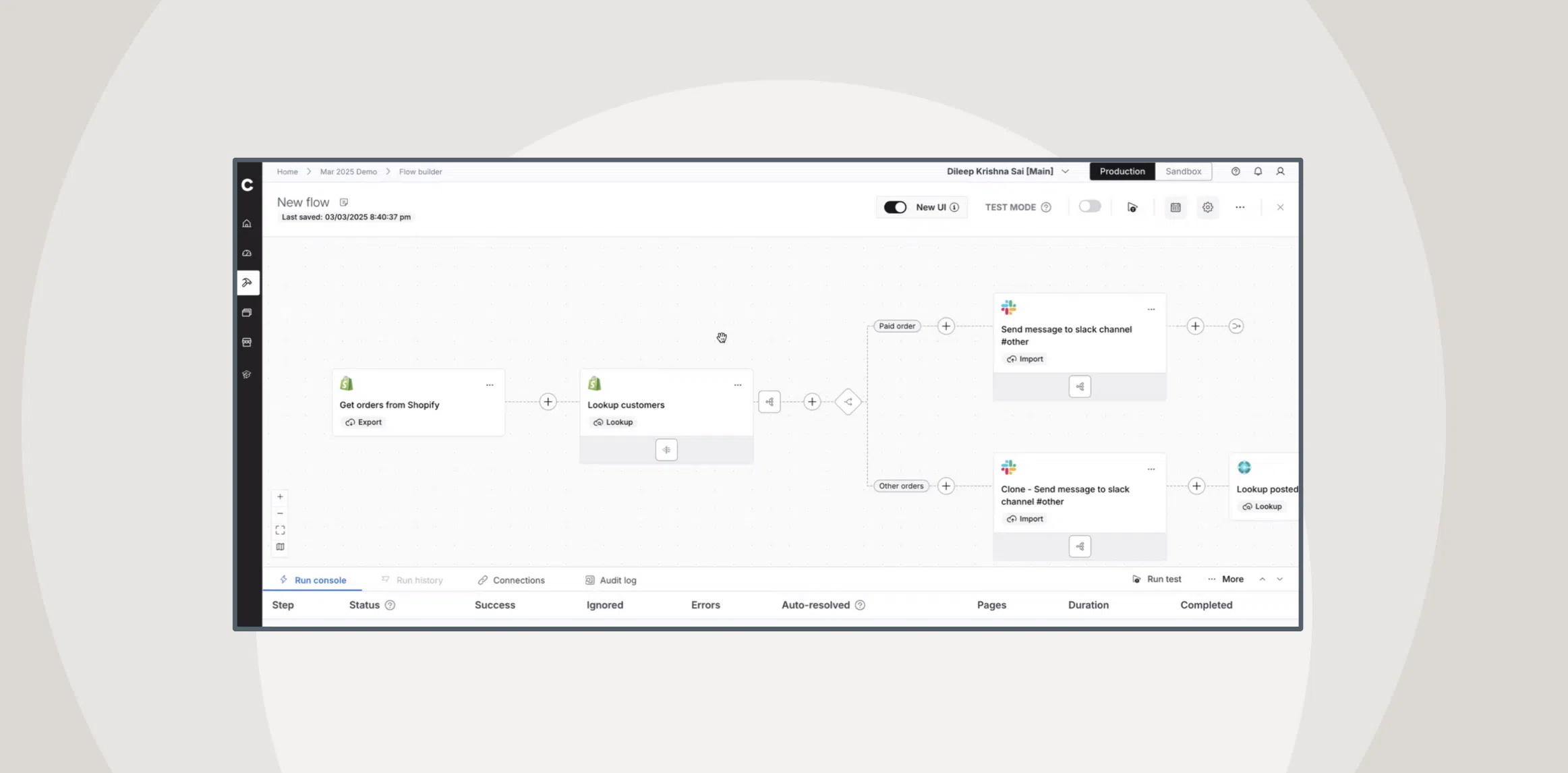
To make sure you’re only exporting as many records as you need to process the flow, apply filters in the Export step. This allows you to narrow down data that requires further action. Regularly review and optimize filter logic to keep it aligned with your dataset for maximum efficiency.
By applying these filters, you can avoid re-processing unneeded data and increase flow performance by limiting the scope of data being processed.
See how using filters can help you streamline your integrations.
2. Discard unnecessary data with branching
Discarding unnecessary data that doesn’t need to go through the entire flow allows you to skip certain steps for specific conditions. To do this, use clear conditions to ensure data is processed correctly. Regularly revisit the branching logic as business rules evolve.
This approach streamlines the flow, speeds up execution, and reduces overall complexity.
Learn how to use branching to allow data to bypass unnecessary steps.
3. Break down multi-process flows into steps
Complex multi-step flows are hard to manage and debug, and you risk performance degradation if too many processes run in one go. To prevent this, divide complex flows into smaller, modular steps.
By creating individual flows to handle specific tasks, your flows become more manageable and performance improves. This makes troubleshooting and optimization more efficient and streamlined.
Explore how to break down multi-process flows.
4. Write clean and maintainable scripts
Clear, well-documented scripts make future maintenance easier and faster. They also reduce the chance of errors when making updates or debugging.
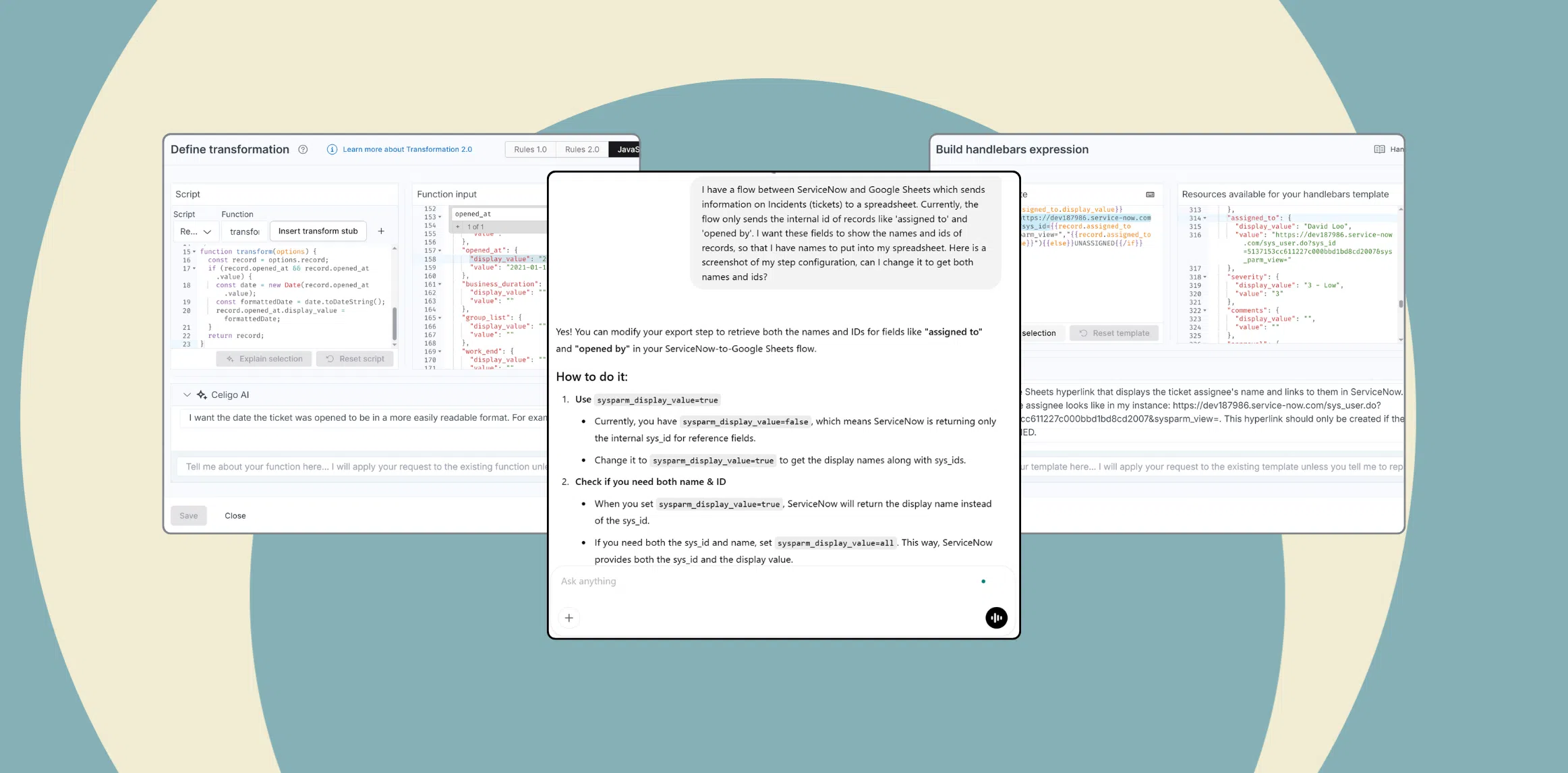
To achieve this, use descriptive variable and function names, include comments to explain complex logic or assumptions, and break down complex code into smaller, reusable functions.
By doing so, you can make it easier for new team members to understand the flow and help reduce bugs during future updates and modifications.
Learn how to write clean and maintainable scripts.
Streamlining workflows without sacrificing power
Managing integrations effectively isn’t just about simplifying for the sake of simplicity—it’s about achieving optimal performance with the least amount of friction. Whether you’re managing a handful of integrations or overseeing an enterprise-wide ecosystem, adopting a strategic approach to flow design can make all the difference.
Be sure to check out the full webinar on-demand for in-depth insights, expert tips, and real-world examples of how to refine your integration strategy. And don’t miss our next session in the Tech Spotlight Series, “From Errors to Efficiency: Engaging Operations Teams for Smarter Integration Management,” April 1st.